Settings
43
2. Press q or p to highlight Status & Settings, and press .
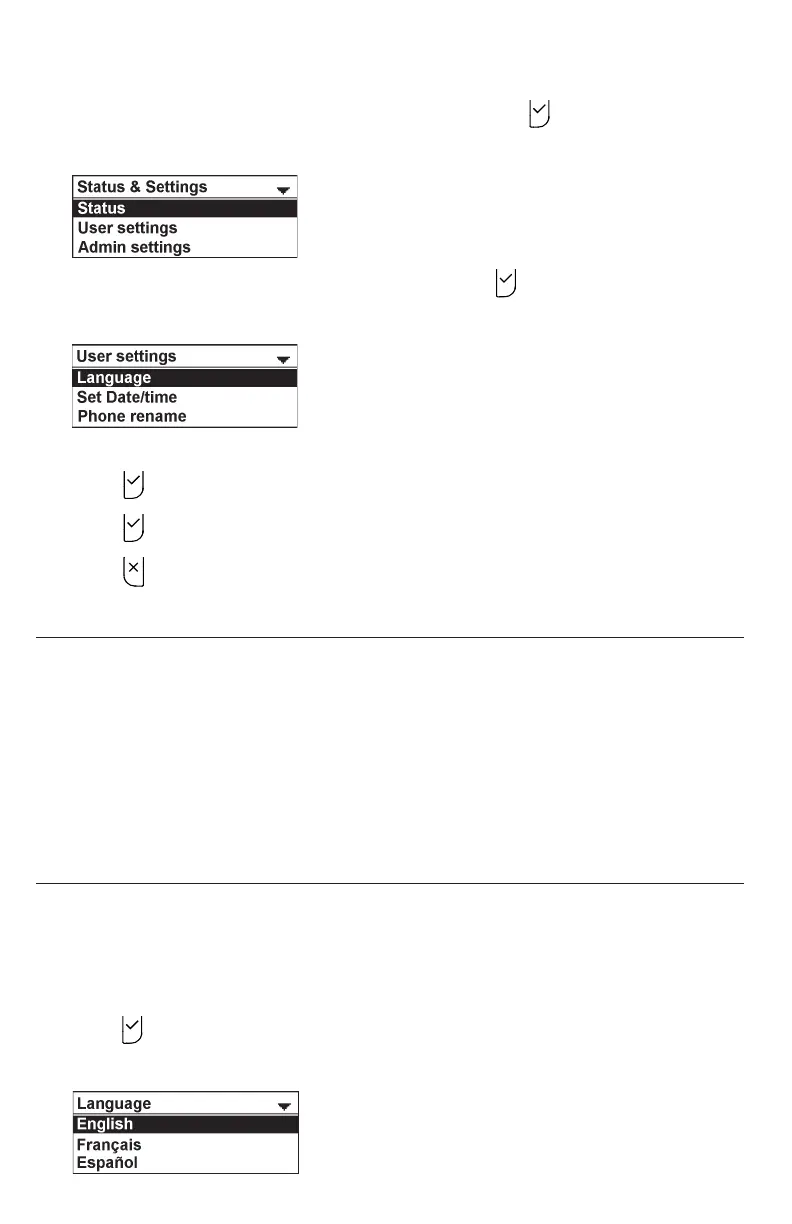
The Status & Settings menu appears.
3. Press q or p to highlight User settings, and press .
The User settings menu appears.
4. Press q or p to highlight menu items.
5. Press to select a highlighted menu item.
6. Press to save changes.
7. Press to cancel an operation or return to the previous menu.
User Settings menu items
• Language (see page 43)
• Set Date/Time (see page 44)
• Phone rename (see page 45)
• Display (see page 46)
• Audio (see page 47)
• Registration (see page 50)
Setting Language
You can select English, French, or Spanish to be used in the conference phone screen
display.
To set the language:
1. From the User settings menu, press p or q to highlight Language, and then
press .
The Language menu appears.



 To Next Page