38
You can change the conference phone settings from the Call Features menu (see
below) and the User Settings menu (see page 42).
The following pages describe how to change the conference phone settings from
both menus.
Call Features Menu
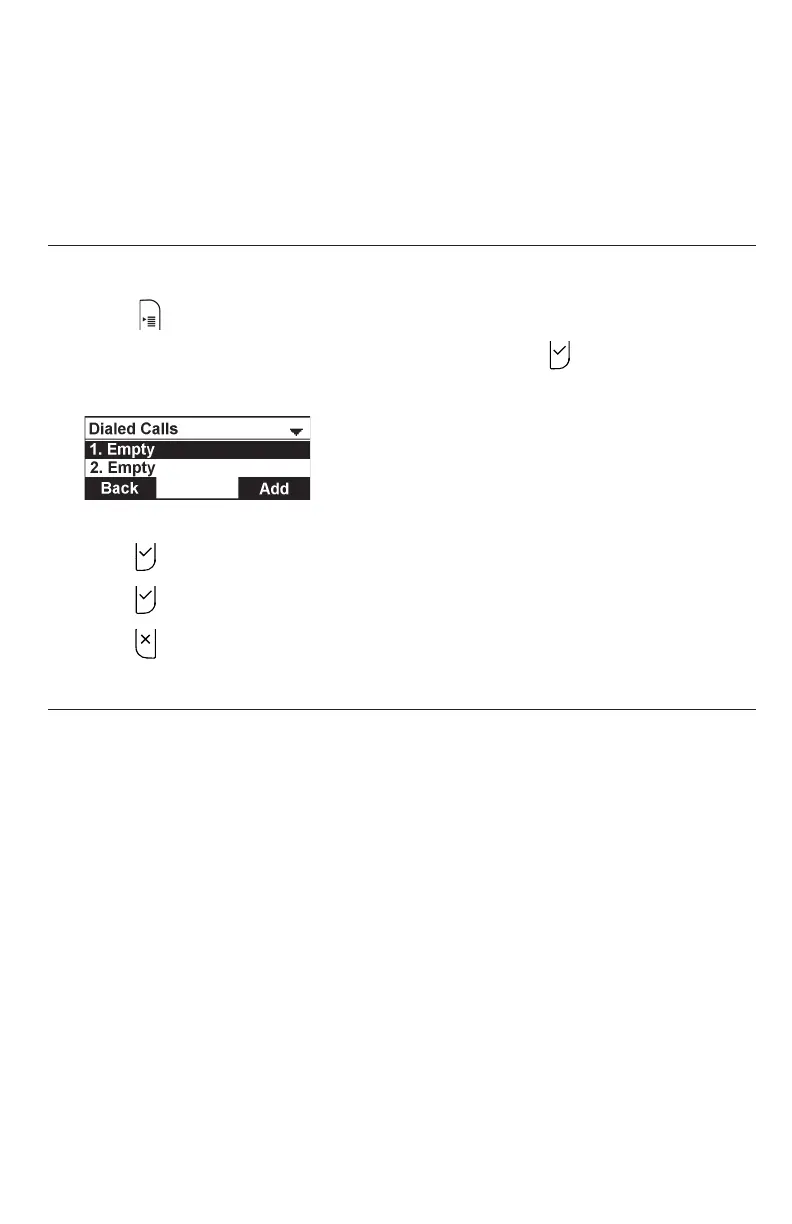
To display the Call Features menu:
1. Press when the conference phone is not in use.
2. Press p or q to highlight Call Features, and then press .
The Call Features menu appears.
3. Press p or q to highlight menu items.
4. Press to select a highlighted menu item.
5. Press to save changes.
6. Press to cancel an operation or return to the previous menu.
Call Features menu items
• Do Not Disturb (see page 39)
• Call Forwarding (see page 39)
• Block Anonymous (see page 41)
• Dial as Anonymous (see page 41)
• Missed Call Alert (see page 42)
• Call Waiting Alert (see page 42)
Settings



 To Next Page