37
6. Use the dial pad keys to change the Name and Number.
Press
Next
after entering each item.
• To select a character/digit, press t or u.
• To erase a character/digit, press
Backspc
.
• To move to the next item, press q or
Next
.
• To move back to the previous item, press p.
7. Press t or u to change the line, and then press
Next
.
8. To save your changes, press
Save
.
Deleting a speed dial entry
1. Press .
2. With Directory highlighted, press .
3. Press p or q to highlight Speed Dial, and then press .
4. Press p or q to highlight the speed dial entry you want to delete.
5. Press
Delete
.
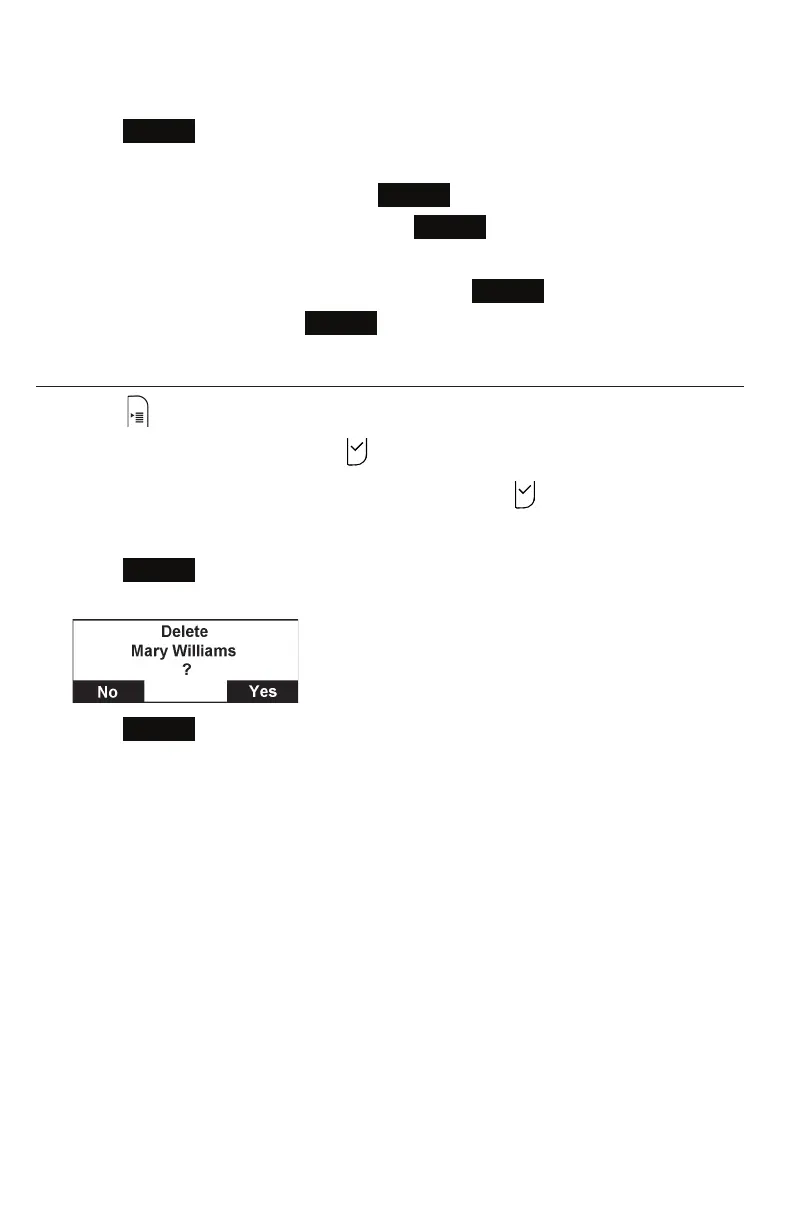
A confirmation screen appears.
6. Press
Yes
.
Speed dial



 To Next Page