34
Call History
The following soft keys are available when viewing a call history entry.
Press t or u to view the desired softkeys.
Delete Deletes the
entry
Dial Dials the entry Edit Dial Displays the
predial screen so
you can edit the
number before
dialing
Save
Saves the call
information
to the local
directory
Dialing a call history entry
1. Search for the desired call history entry (see "Reviewing call history" on page
33).
2. While viewing the desired entry, press or
Dial
.
The phone dials the number immediately.
–OR–
Press
Edit Dial
. The predial screen appears, allowing you to edit the number
before pressing
Dial
.
• Press
Backspc
to delete a digit.
Note: If you view a call history entry when the phone is in dial mode, press
Dial
to dial the number. You can use this feature when making a call and setting up a
conference call.
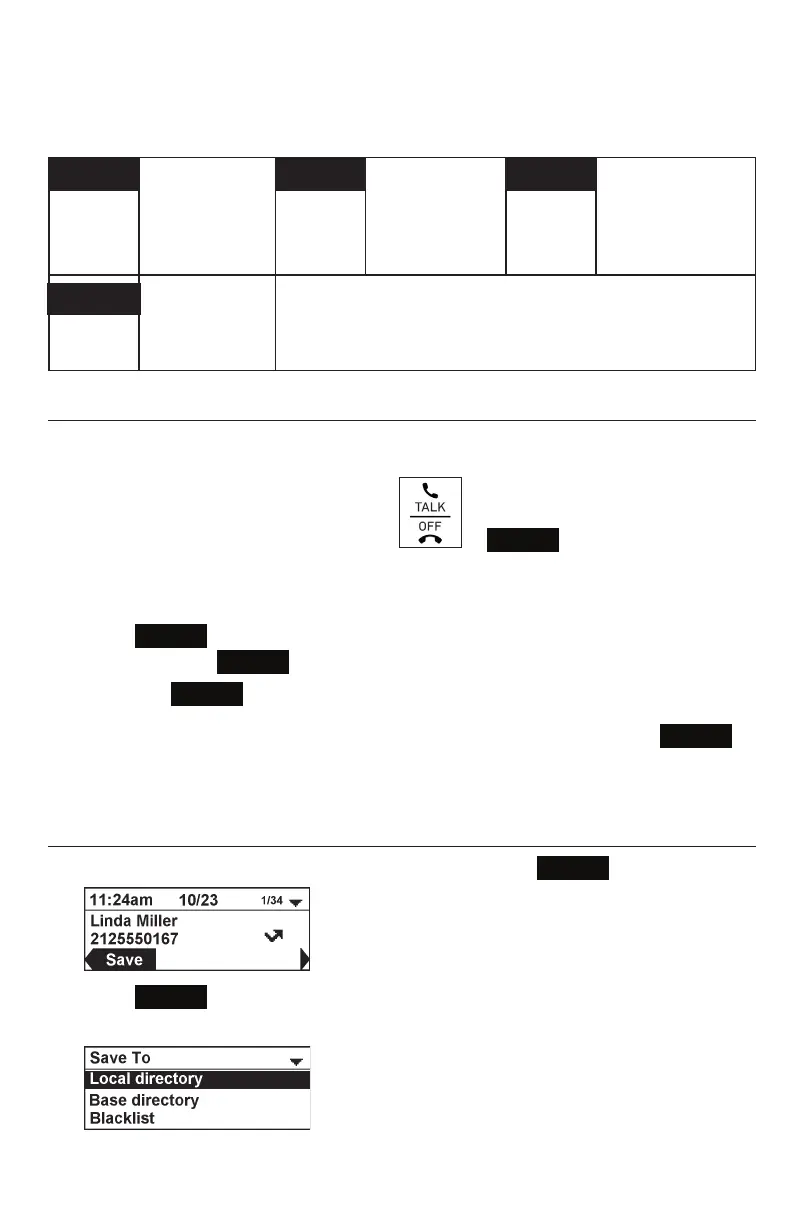
Saving a call history entry to the directory
1. While viewing the desired entry, press t or u until the
Save
soft key appears.
2. Press
Save
.
3. On the Save to menu, select the location to which you want to save the entry.



 To Next Page