26
Conference phone operation
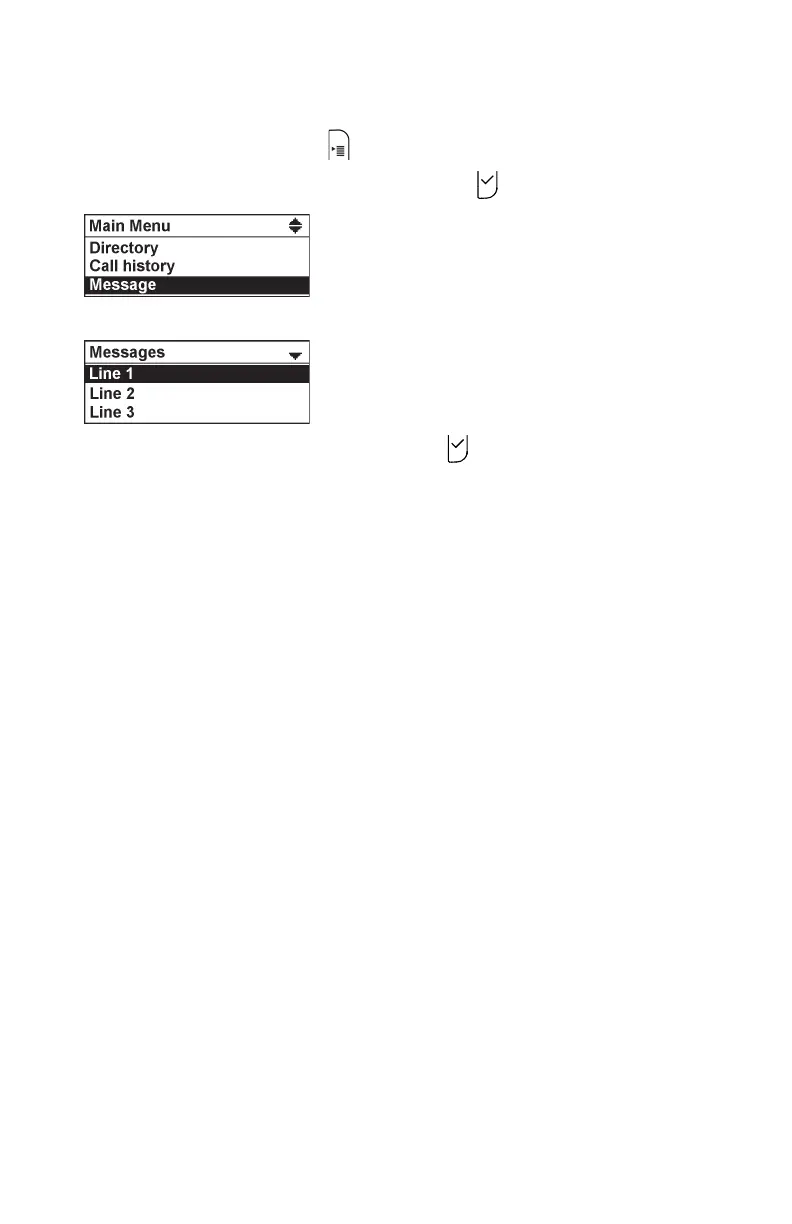
To view the Messages menu:
1. When the phone is idle, press
2. Press q or p to highlight Message, then press .
The Message menu appears.
3. Press q or p to highlight a line, then press .
Your conference phone dials the voicemail retrieval number.



 To Next Page