22
Conference phone operation
To cancel the transfer:
◦ Press on the Transfer To screen. The active call screen reappears.
-OR-
Press on the dialing screen. The On hold screen reappears.
◦ Press
End
when the second call is active. You will hang up on the
second call.
To transfer a call (Blind transfer):
1. During a call, press
Transfer
.
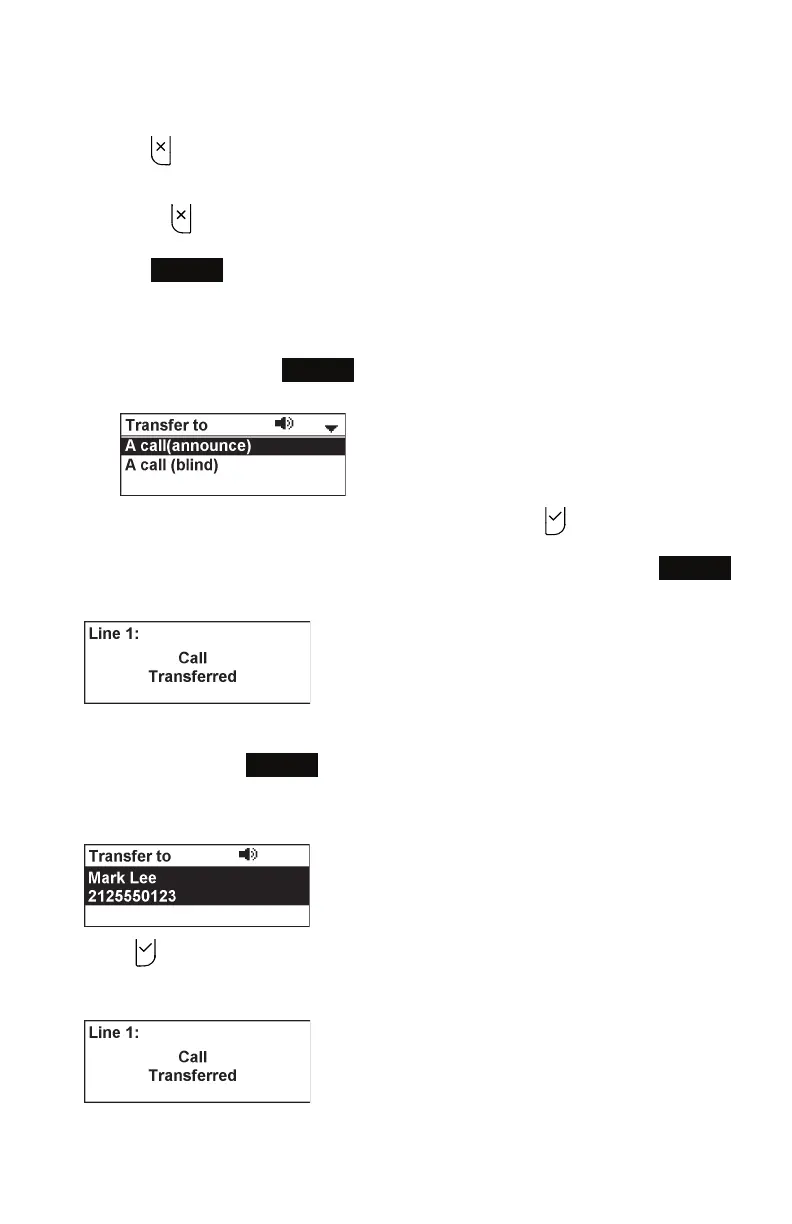
The Transfer to menu appears.
2. Press q or p to highlight A call (blind), then press .
3. Dial the number to which you want to transfer the call, and press
Dial
.
The Call transferred screen appears, and your phone returns to idle mode.
To transfer a call to a held call:
1. During a call, press
Transfer
.
The call is automatically put on hold, and the Transfer to screen appears, showing
the held call.
2. Press to transfer the call to the held call.
The Call transferred screen appears, and your phone returns to idle mode.



 To Next Page