Settings
49
To set the key tone:
1. From the User settings menu, press q or p to highlight Audio, and then press
.
2. Press q or p to highlight Advisory Tones, and then press .
3. Press q or p to highlight Key Tone, and then press .
4. Press q or p to select On or Off.
5. Press to save your selection. You will hear a confirmation tone.
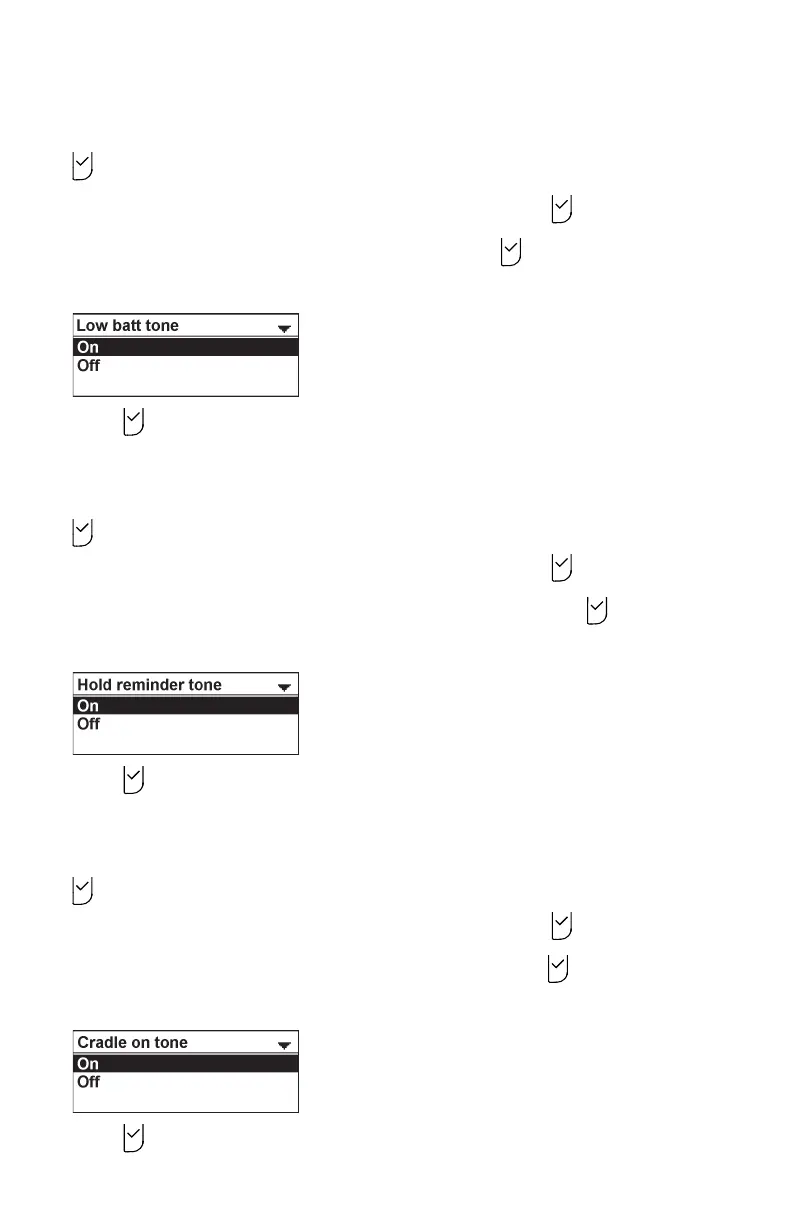
To set the hold reminder tone:
1. From the User settings menu, press q or p to highlight Audio, and then press
.
2. Press q or p to highlight Advisory Tones, and then press .
3. Press q or p to highlight Hold reminder tone, and then press .
4. Press q or p to select On or Off.
5. Press to save your selection. You will hear a confirmation tone.
To set the on cradle tone:
1. From the User settings menu, press q or p to highlight Audio, and then press
.
2. Press q or p to highlight Advisory Tones, and then press .
3. Press q or p to highlight On cradle tone, and then press .
4. Press q or p to select On or Off.
5. Press to save your selection. You will hear a confirmation tone.



 To Next Page