17
D862 User Manual Setting up the Phone
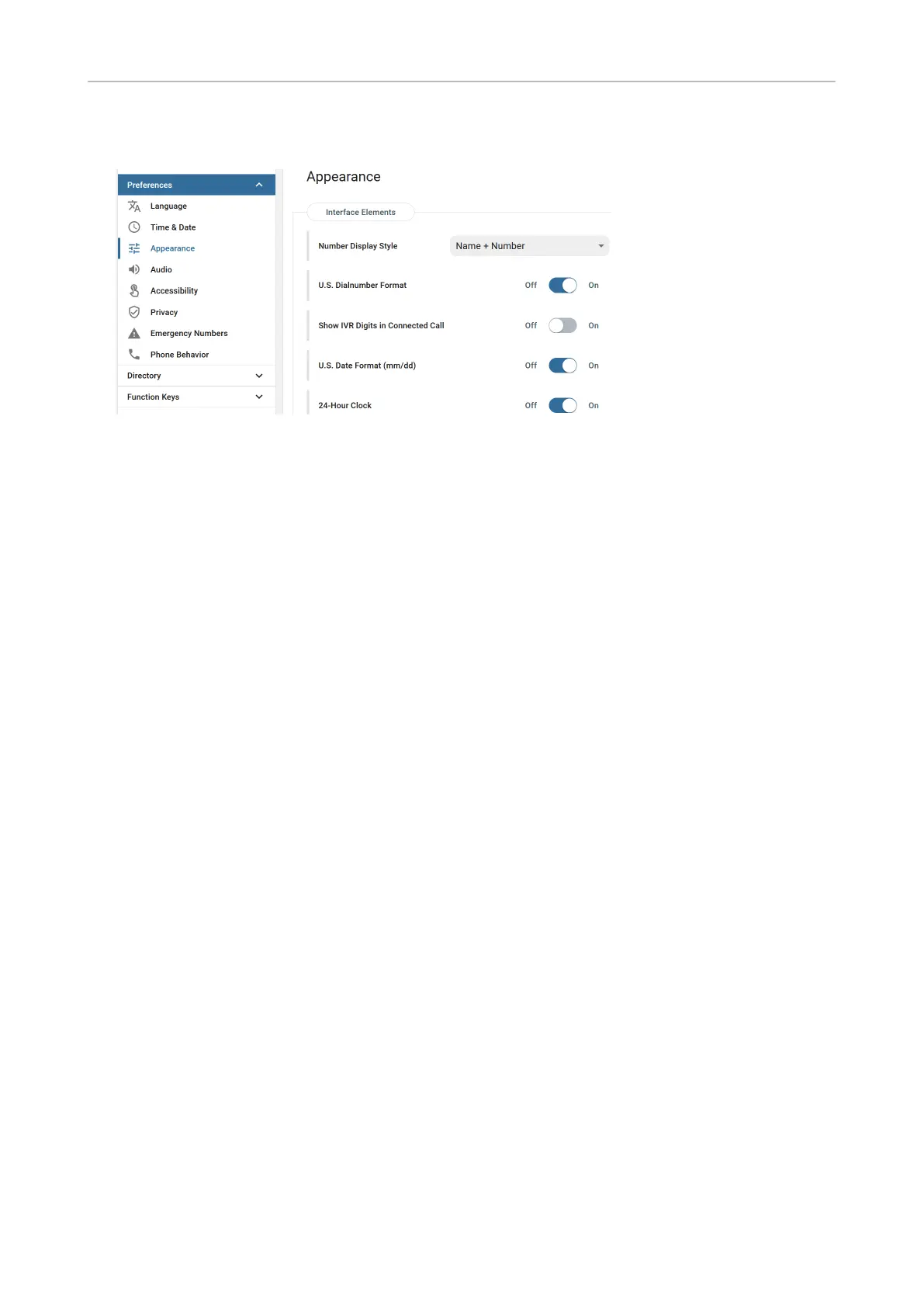
1. Click Preferences, then Appearance.
2. Click the slider of U.S. Date Format from On to O if you want to change the date to the European
format DD.MM.YEAR, e.g. 23.11.2022.
3. Click the slider of 24-Hour Clock from On to O if you want to change the time format to the 12-
hour AM and PM format.



 To Next Page