44
D862 User Manual Using the Phone
and by the idle display showing the call-monitor state. The rst extension is the caller, the second
one the callee.
◦ Call ringing. "7788 > 7904" indicates that extension 7788 is calling extension 7904.
◦ In call. "7781 x 7793" indicates that 7781 is connected to 7793 and that 7781 is the caller.
7793 the callee.
Press to close the Calls screen and return to the idle screen.
Call waiting
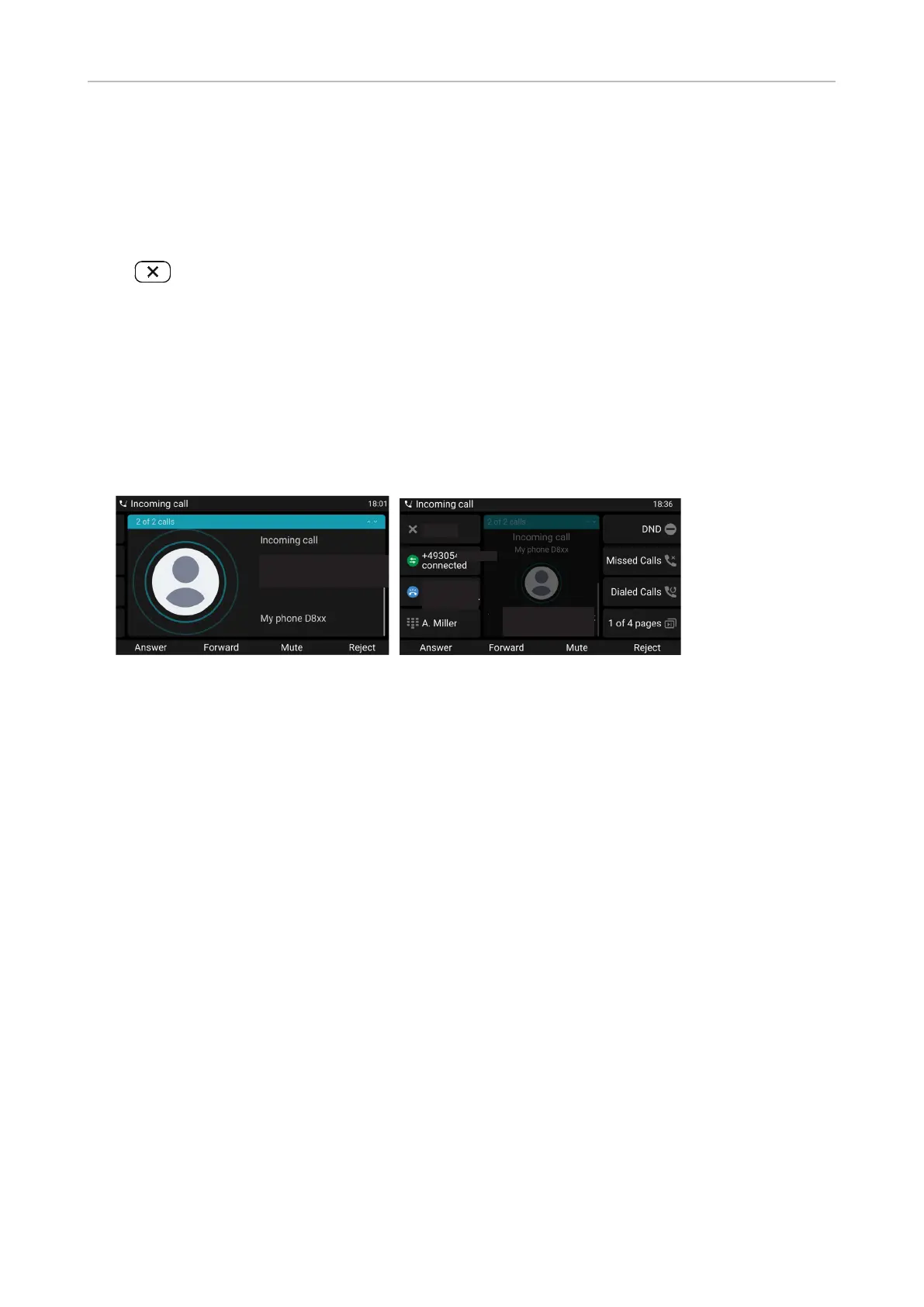
When you are in a call, another call coming in will be announced visually by the ashing call LED and
by the announcement of an incoming call on the display, and acoustically by a double beep. If the
caller ID is transmitted, it will also be shown on the display.
Call waiting can be restricted to visual or acoustic announcement only or turned o altogether. See
"Call waiting" on page 67 for the instructions on how to change the setting.
Scrolling caller ID
1234
Scrolling caller ID
1234
Current
active call
1851
Call screen, default mode short label Call screen, alternative mode full label
When a call is waiting, you have the following options:
• Accept the call waiting and put the current call on hold. You can accept the call waiting by
◦ pressing the blinking line key of the incoming call. This option is available only when there is
a free line key available at the time the call comes in.
◦ pressing the function key underneath Answer. :
• Reject the waiting call. Press Reject. The caller will hear the busy signal.



 To Next Page