30
D862 User Manual Getting to Know Your Phone
◦ Call history. See "Call lists" on page 48.
◦ Voicemail. Available if a mailbox has been set up on a server. Please find out the necessary
information from your IP provider or network administrator.
• Status.
◦ System.
- Phone. Lists model, hardware and software versions, and MAC address.
- Peripherals. Lists HW and SW info,
• System.
◦ Administrator access.
- In user mode, press / to turn admin access on. A pop-up window appears. Enter the
administrator access PIN and press Conrm.
- In administrator mode, press / and Save to turn admin access o.
◦ Advanced.
- In user mode, this menu contains the Reboot and the Update settings functions. Press
Select and conrm with Yes or cancel the request with No.
- In administrator mode, the menu contains the Reboot, the Update settings, and the
Factory reset functions. Press Select and conrm with Yes or cancel the request with No.
You can also turn the webserver on and o by pressing / and Save.
• Help. This page contains the phone manager's IP address and the URL of the phone's page on
Snom's Service Hub.
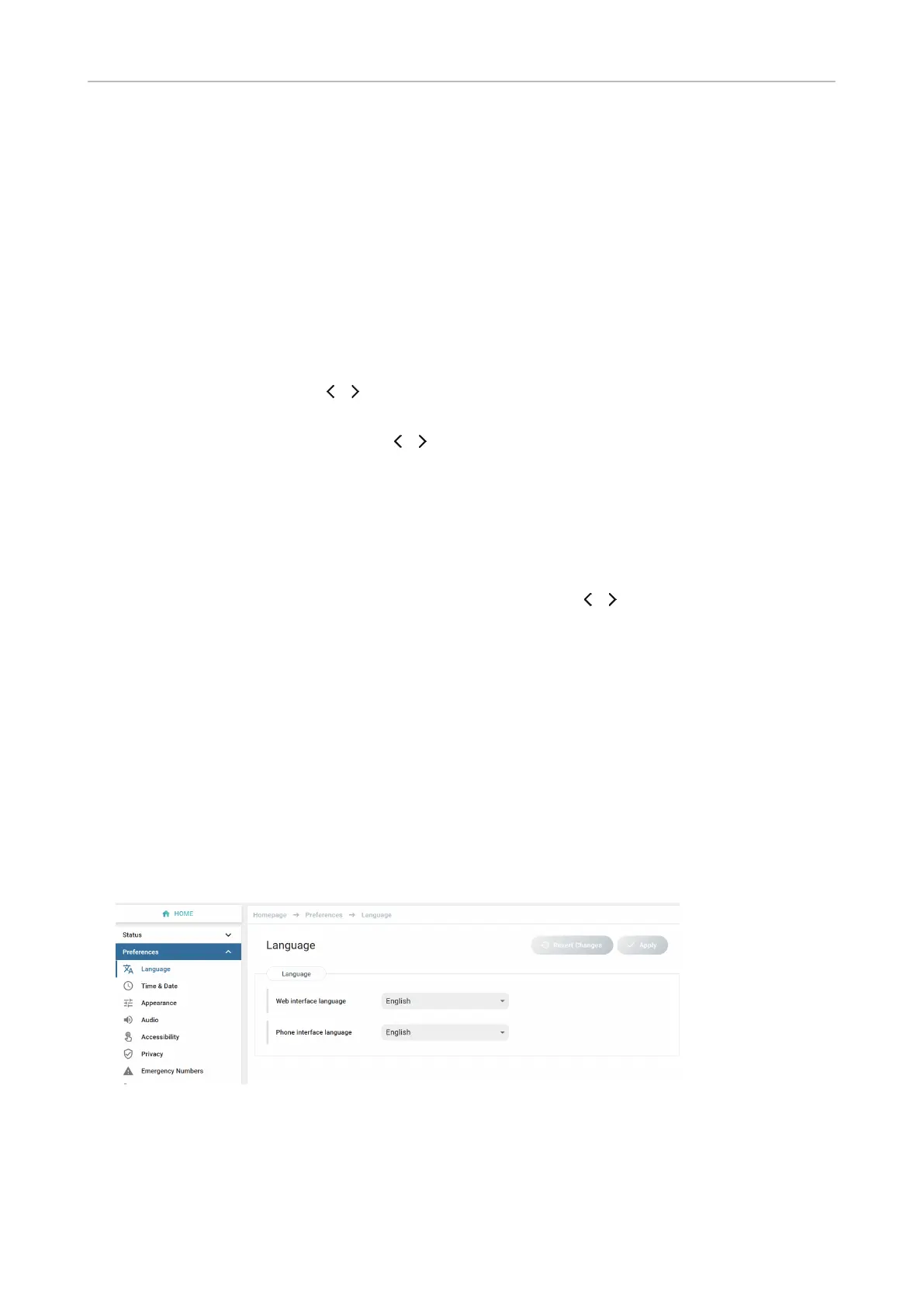
The phone's web interface
How the web interface works
Available items in the vertical menu on the left side of the window depend on whether the phone is
running in user or administrator mode.
1. Click a menu item to show the submenus.
2. Click a submenu to open its content in the body.
3. If you change a setting, the Apply and Revert Changes buttons become available. Click Apply to
save your change(s) before opening another submenu.



 To Next Page