45
D862 User Manual Using the Phone
Active calls
Hold
One call on hold
Press Hold or to put the ongoing call on hold. Held calls are indicated as follows:
◦ By the text on the display.
◦ By the slowly blinking line key.
◦ By the slowly blinking call indication LED.
◦ By the double beep when you put a call on hold..
You can now:
◦ transfer the held call blindly or with prior announcement - see
"Transferring calls" on page 46.
◦ receive and make calls and put other calls on hold.
Pick up the held call by pressing its line key or by pressing again. If the other party hangs up
while on hold, the call is terminated on your phone as well, and the LED indicators are turned o.
Holding multiple calls
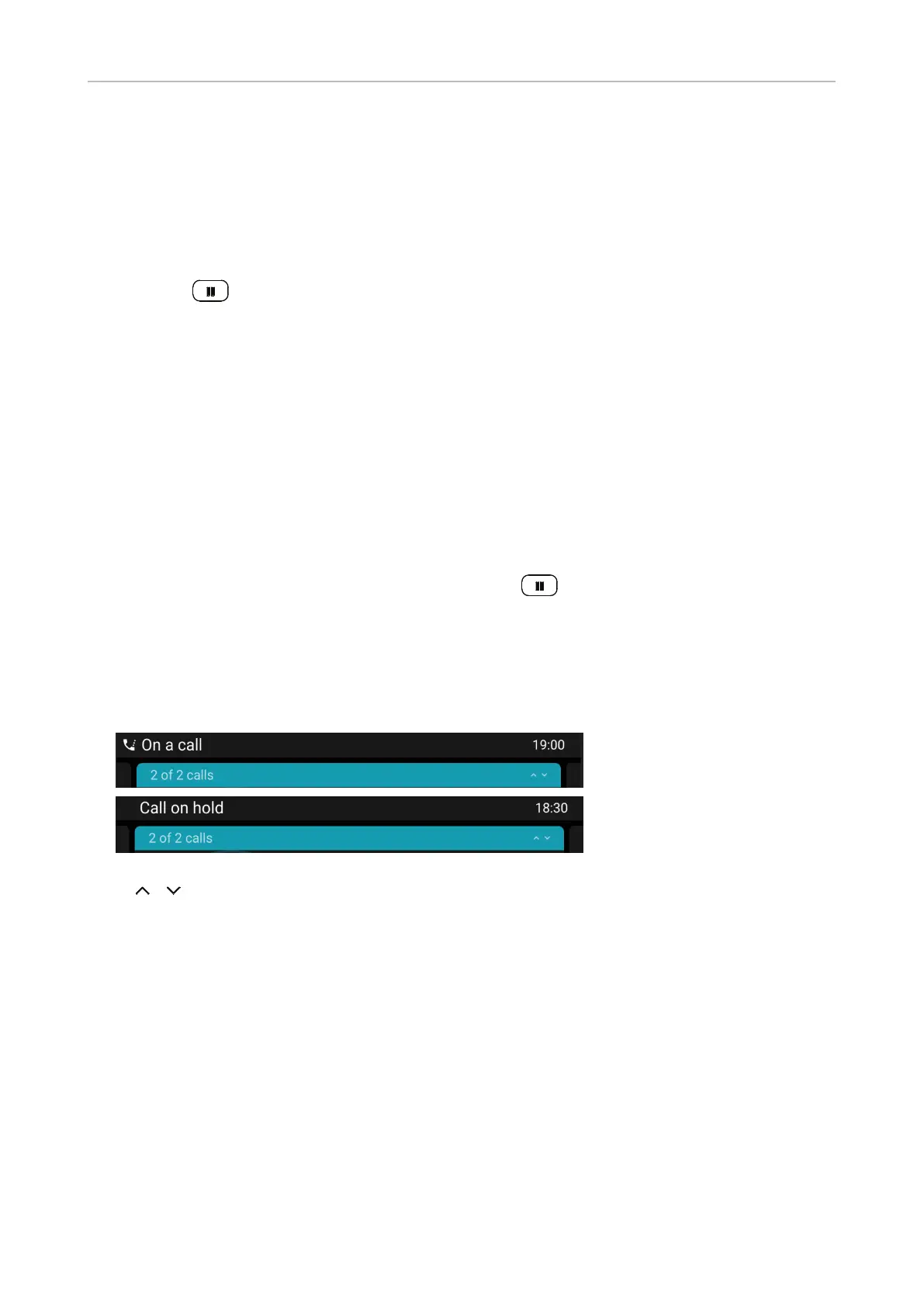
The status lines at the top of the display indicate the number of calls on your phone.
Press / to scroll through the calls. Your input on the phone's keys will aect the call on the
display. It can be resumed, terminated, or selected for conference setup.
Conference
The maximum number of participants in phone-based conferences is three.
Note: This section refers to phone-based conferences. For the number of participants
in server-based conferences and how to set up and join them, please check with your
network administrator or your VoIP provider.
Initiating a conference
1. With a call on the line, press Conference. The call is put on hold.
2. Dial the number and announce the conference
Two calls, one active, one
on hold.
Two calls, both on hold.



 To Next Page