42
D862 User Manual Using the Phone
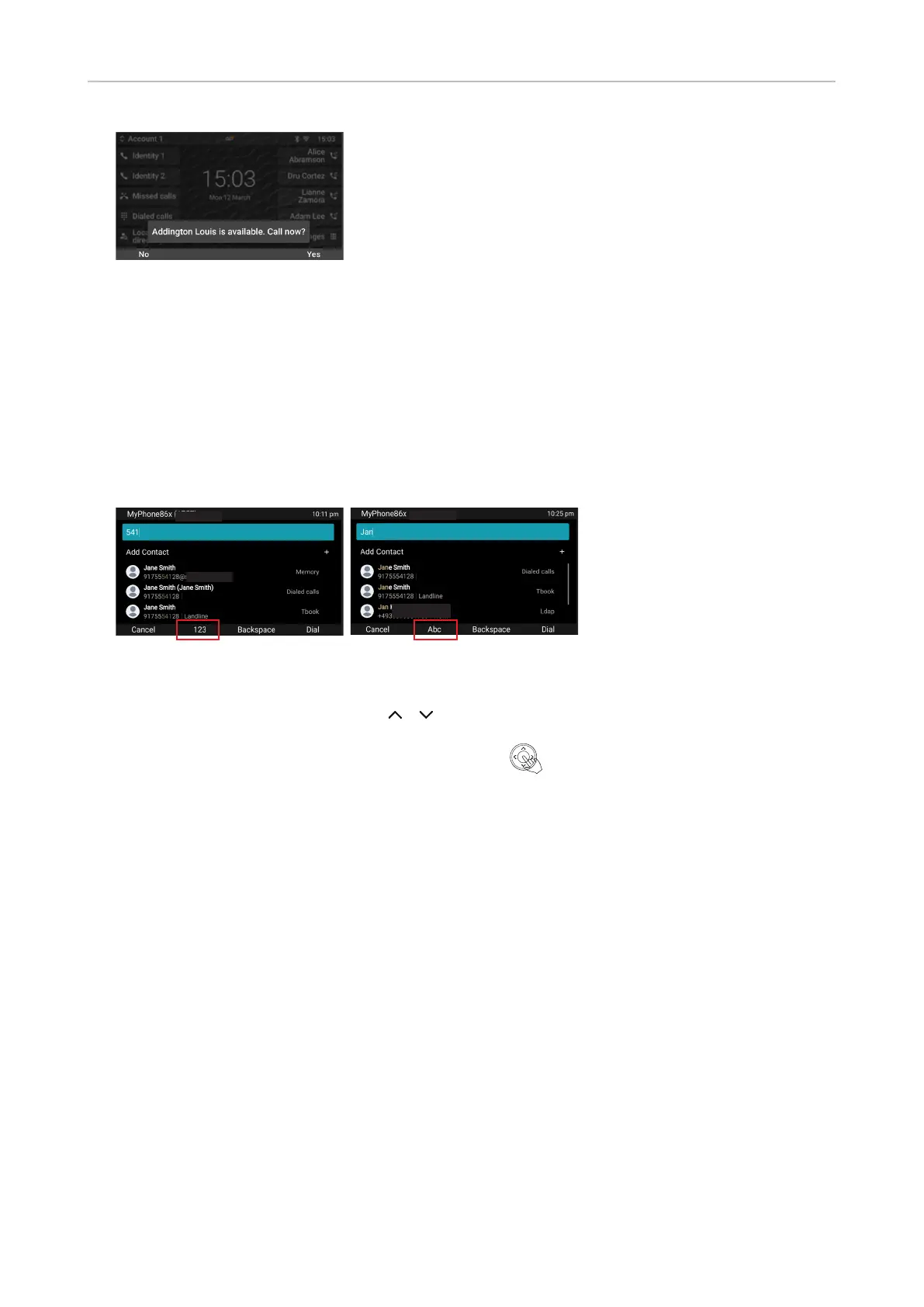
5. Press Yes if you want the phone to redial the number; press No to terminate call completion for
this call.
QuickLookup (number guessing/auto completion)
As soon as you have entered the rst character, the phone begins searching its directories and
call lists - and send an LDAP query if LDAP is congured - for names and numbers matching the
sequence typed on the phone's keypad.
1. Start entering the name of the person or the phone number or any part of the phone number you
want to call.
2. The matching results are shown on the display.
3. If the number of matches, as indicated on the right side of the edit line, exceeds the number that
can be shown on the display, use the / arrows on the navigation key to scroll through the
list.
4. Select the number you want to dial and press Dial or to dial.



 To Next Page