80
D862 User Manual Appendix 1
Key event symbols
Accepted calls
Alternate
Block caller
Call history
Conference
Consult conference
Contacts
Delete message
Directory
DND
Executive assistant behalf of
Executive assistant cong
Favorites
Help
Hide outgoing ID
Hold
Hoteling
Notication
Instant redial
LDAP directory
Logo all
Missed calls
Monitor calls
Multicast zones
Favicons
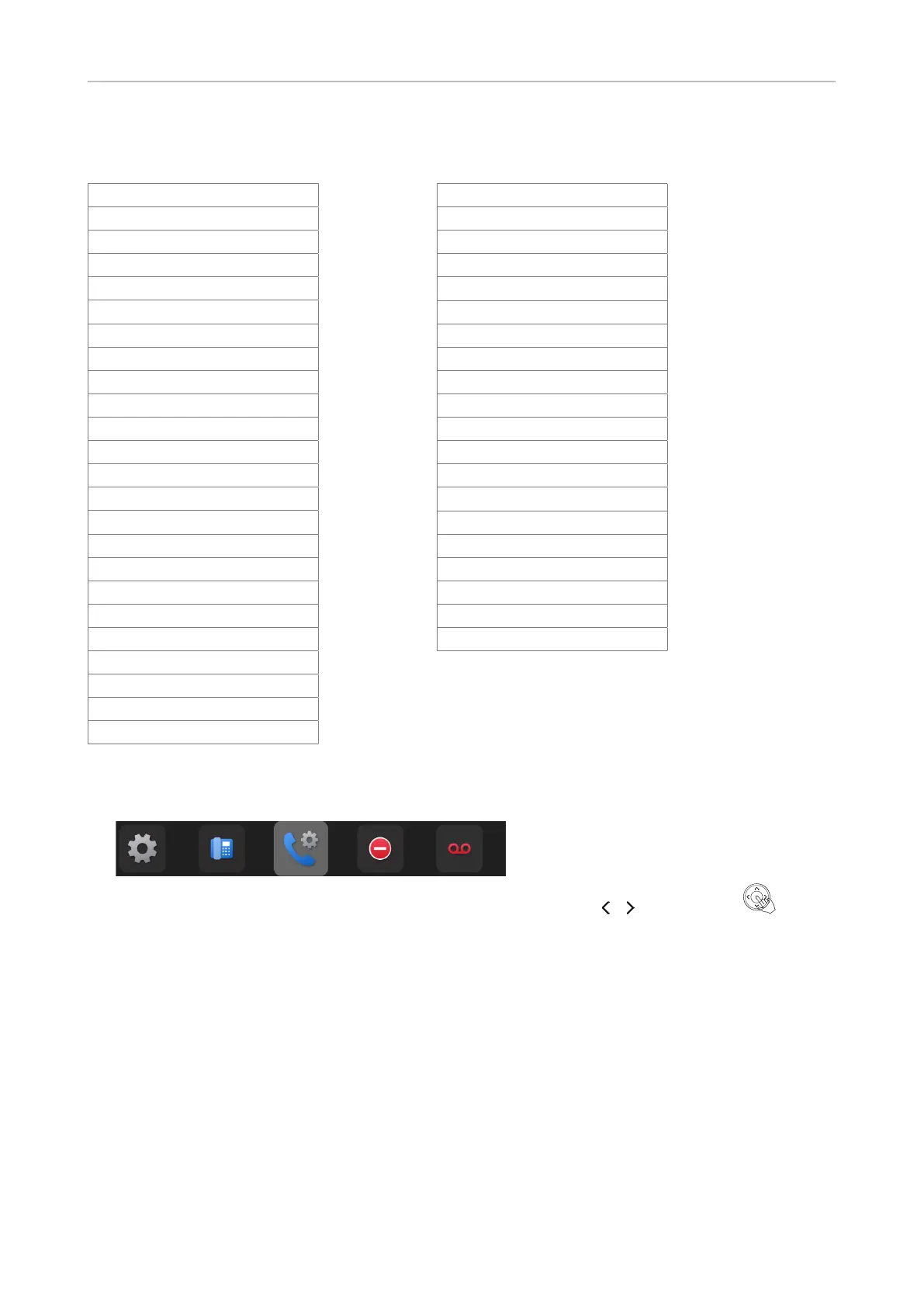
These are shortcuts to menus that can be accessed by selecting with / and pressing . From
left to right: Preferences menu, System, Call features, DND, Mailbox.
The currently selected menu is highlighted. The default after bootup is Call features.
Mute
Next identity
Next page
OCI-P directory
Pool
Presence
Previous identity
Previous page
Private hold
Reboot
Record
Redial
Server directory
Menu
Silent mode
Voicemail
Voicemail info
Dialed calls
None
Lock



 To Next Page