77
D862 User Manual Appendix 1
Search
Select
Select all
Set lter Set search or sorting lter
Transfer Transfer the active call
Unselect all
SmartLabel function symbols
These are the symbols displayed in the SmartLabel area of the programmable function keys
P1–P32 when the function key page with the congured key is on-screen. For information on the
conguration of the keys see "Conguring the function keys" on page 52.
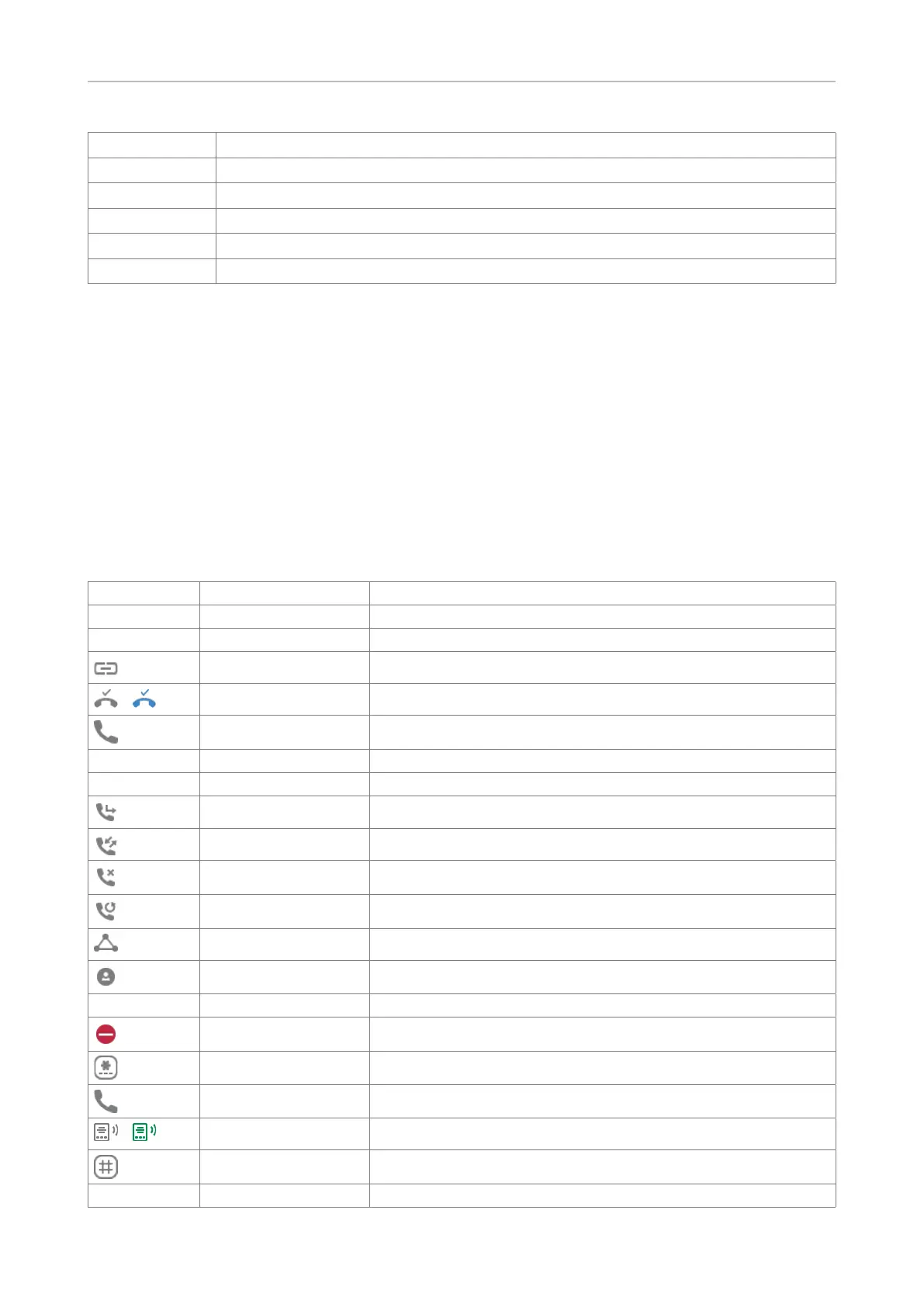
Programmable function symbols
These are the symbols of the functionalities selectable under "Type." Please note that not all available
functionalities are represented by a symbol. If the selected type is "Key event", please see the table
"Key event symbols," below.
Symbol Text Description
[Blank] [Blank] None
Line available
Action URL
/
Auto answer Auto answer on/o
BLF Busy lamp eld
Button
Call center status
Call forward Forwarding all calls (turning on/turning o)
Call lists Call list menu (missed, received, and dialed calls)
Missed calls Missed call list
Dialed calls Redial (list of dialed calls)
Conference Start a conference
Contacts
Contact (XMPP)
DND Turn DND on and o
DTMF
Extension number Extension
/
Intercom Intercom (turning on/turning o)
IVR Interactive Voice Response
Key event See key events table, below



 To Next Page