28
D862 User Manual Getting to Know Your Phone
Setting user/admin mode on the phone
1. In the Main menu, select System.
2. If the phone is running user mode (i.e., administrator access is o], press / to change the
setting to on. You will be prompted to enter the administrator access PIN. Enter the PIN and
press Conrm.
If the phone is running admin mode (i.e., administrator access is on], press / to change the
setting to o.
3. Press Back to return to the main menu.
Settings
Phone menu
Settings can be adjusted on the phone and in the Phone Manager, the phone's web interface.
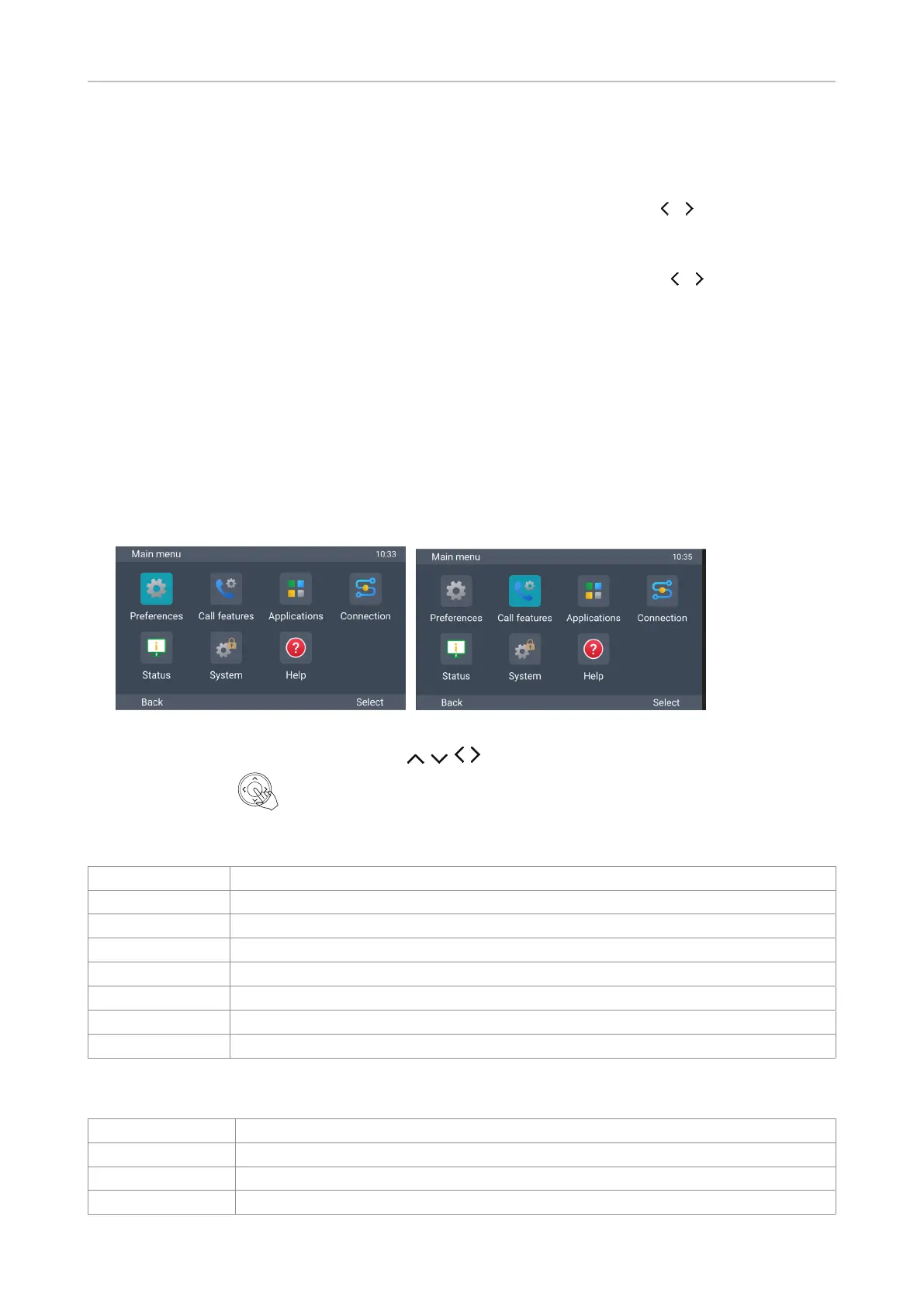
1. On the idle screen, press MENU to open the main menu on the display (Fig. 1).
Fig. 1 Fig. 2
2. Select a menu with the navigation keys (Fig. 2).
3. Press Select or to open the highlighted menu.
Settings available in user mode
Main menu Submenus or content
Preferences Language, sound, display, programmable keys
Call features DND, call forwarding
Applications Directory, call history (call lists), voicemail
Connection
Status System (phone and peripherals HW and SW info), connection (IP, Wi-Fi, Bluetooth)
System Turn administrator access on, advanced (update settings, reboot)
Help Shows phone's IP address and URL of Snom Service Hub page for the phone
Settings available in administrator mode
Main menu Submenus or content
Preferences Language, sound, display, programmable keys
Call features DND, call forward
Applications Directory, call history (call lists), voicemail



 To Next Page