40
D862 User Manual Using the Phone
Redialing
1. Press to show the last numbers dialed (i.e., the call history for dialed calls), with the very
last number at the top.
2. Press Dial or to dial that number or use / to select a dierent number and then press
Dial or .
Calling number from call history (missed, received, dialed calls)
In the default setting, the list of dialed calls can be accessed directly by pressing the redial key
and the left and right arrow "key" on the navigation key , respectively. The call history is also
available in the Applications menu on the idle screen . For further information, see "Call lists" on
page 48.
1. Press Call history on the idle screen to open the call history menu and select a call list in the call
history menu.
2. Press to enter the call list.
3. Use / on the navigation key to select a call on the list.
4. Press Dial or to dial the selected number.
Calling number from a directory
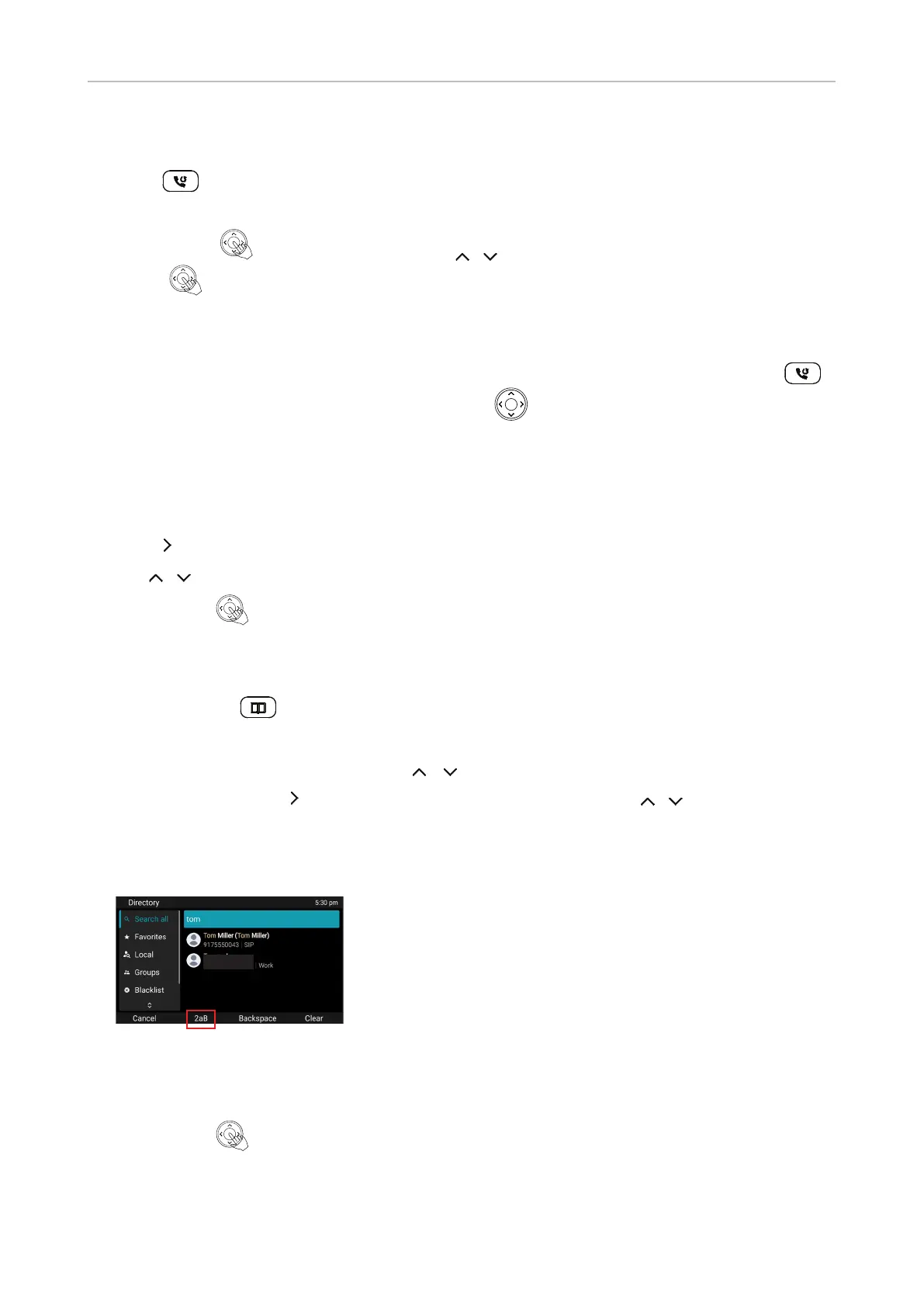
1. Press Directory .
2. Press Search to search all directories.
◦ Alternatively, select a directory with / , then press Search.
◦ Alternatively, press to enter the highlighted directory , then press / on the navigation
key to scroll to an entry.
◦ Press Cancel to return to the Directory menu.
3. If you want to be able to search for names und numerals, select input mode 2ab.
4. Enter the rst letter(s) of the name or rst digits of the number.
5. Press Details if you want to view the entry before dialing.
6. Press Edit dial if you want to edit the number before dialing.
7. Press Dial or to dial the number.



 To Next Page