79
D862 User Manual Appendix 1
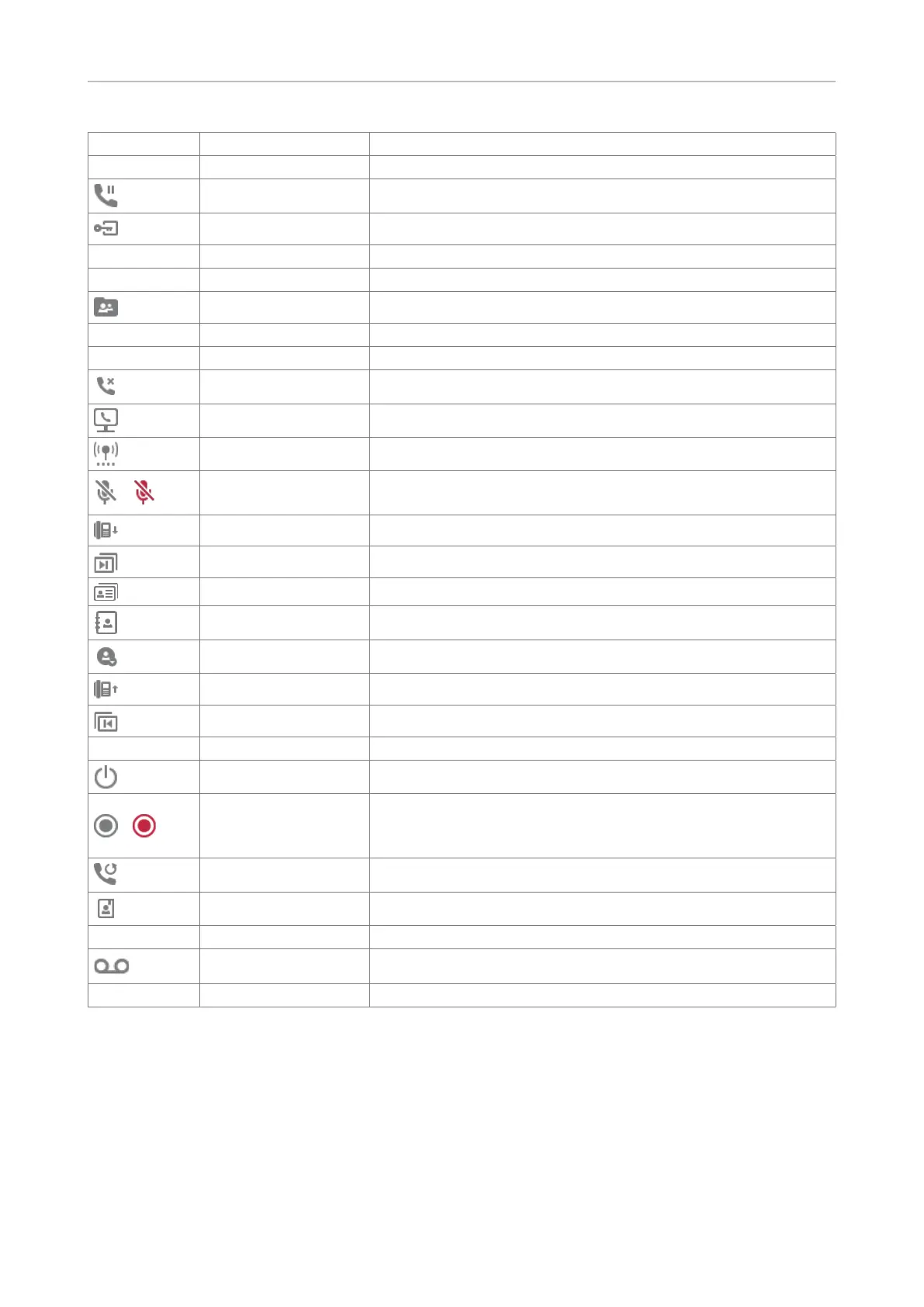
Symbol Text Description
Hide outgoing ID
Hold
Hoteling Login (e.g., hotel)
Notication Alerts, status messages
Instant redial
LDAP directory
Logo all
Menu
Missed calls
Monitor calls
Multicast zones
/
Mute
Mute microphone/unmute microphone (red symbol =
microphone is mute)
Next identity Select outgoing identity
Next page Move forward to next SmartLabel page
OCI-P directory
Pool Available directories and call histories
Presence
Previous identity Select outgoing identity
Previous page Return to previous SmartLabel page
Private hold
Reboot
/
Record
Voice recorder is o/on (red symbol = call is being recorded)
- check local regulations whether call recording is allowed.
Phone does not have built-in voice recorder.
Redial
Server directory Phone settings
Silent mode
Voicemail Retrieve voice mail
Voicemail info



 To Next Page