31
D862 User Manual Getting to Know Your Phone
Note: Changes will be lost if you open another page or if you close the web interface
without rst clicking Apply.
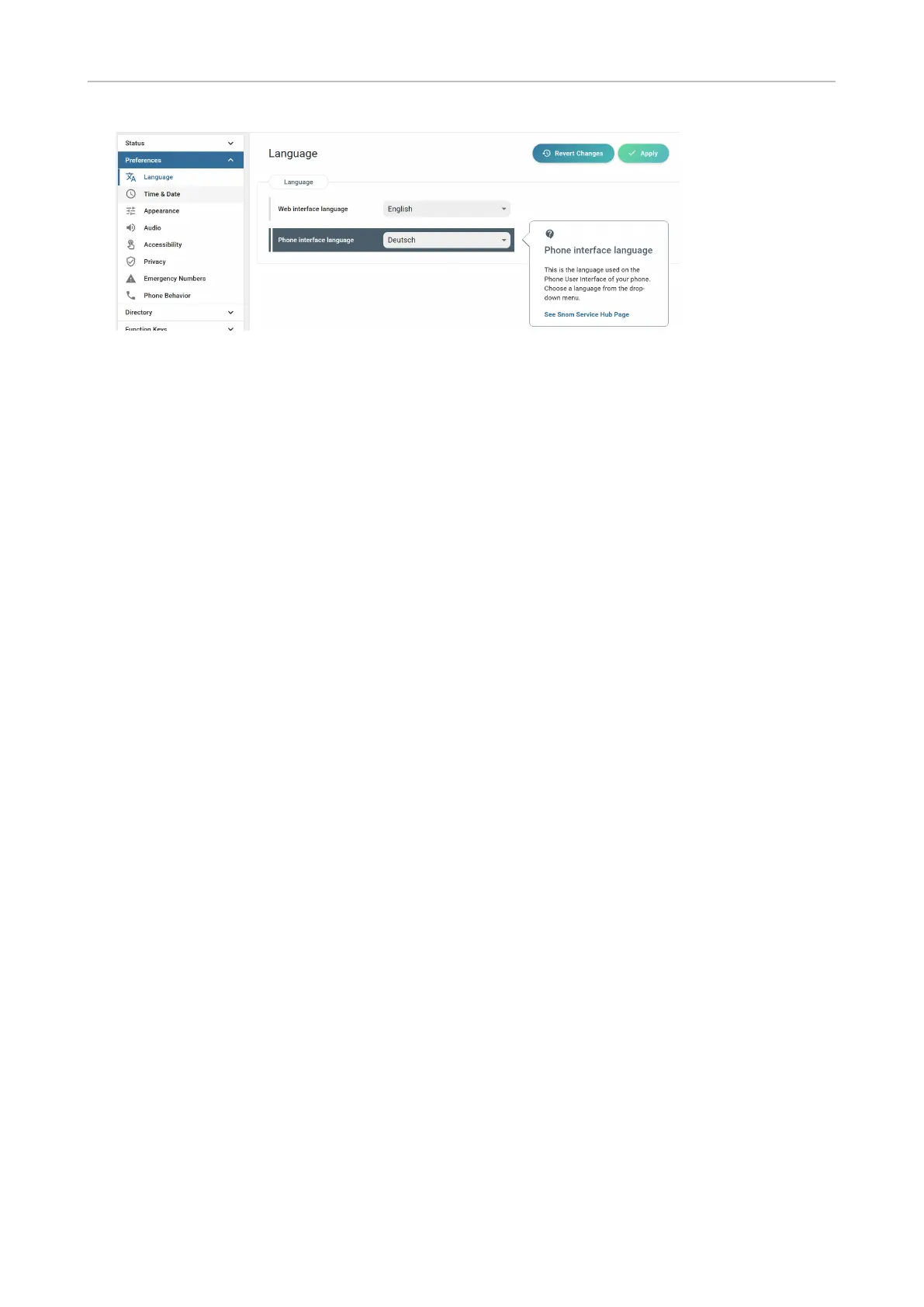
When you click a setting, a pop-up window with a question mark at the top appears. It contains
information on the setting and a link to Snom's Service Hub where you may nd more information
about it,
Web settings overriding manual phone settings
In some cases settings activated on the web interface override manual settings on the phone. If a
setting you have made on the phone does not appear to take eect, look for a conicting setting on
the web interface or check with your administrator.



 To Next Page