82
D862 User Manual Appendix 2
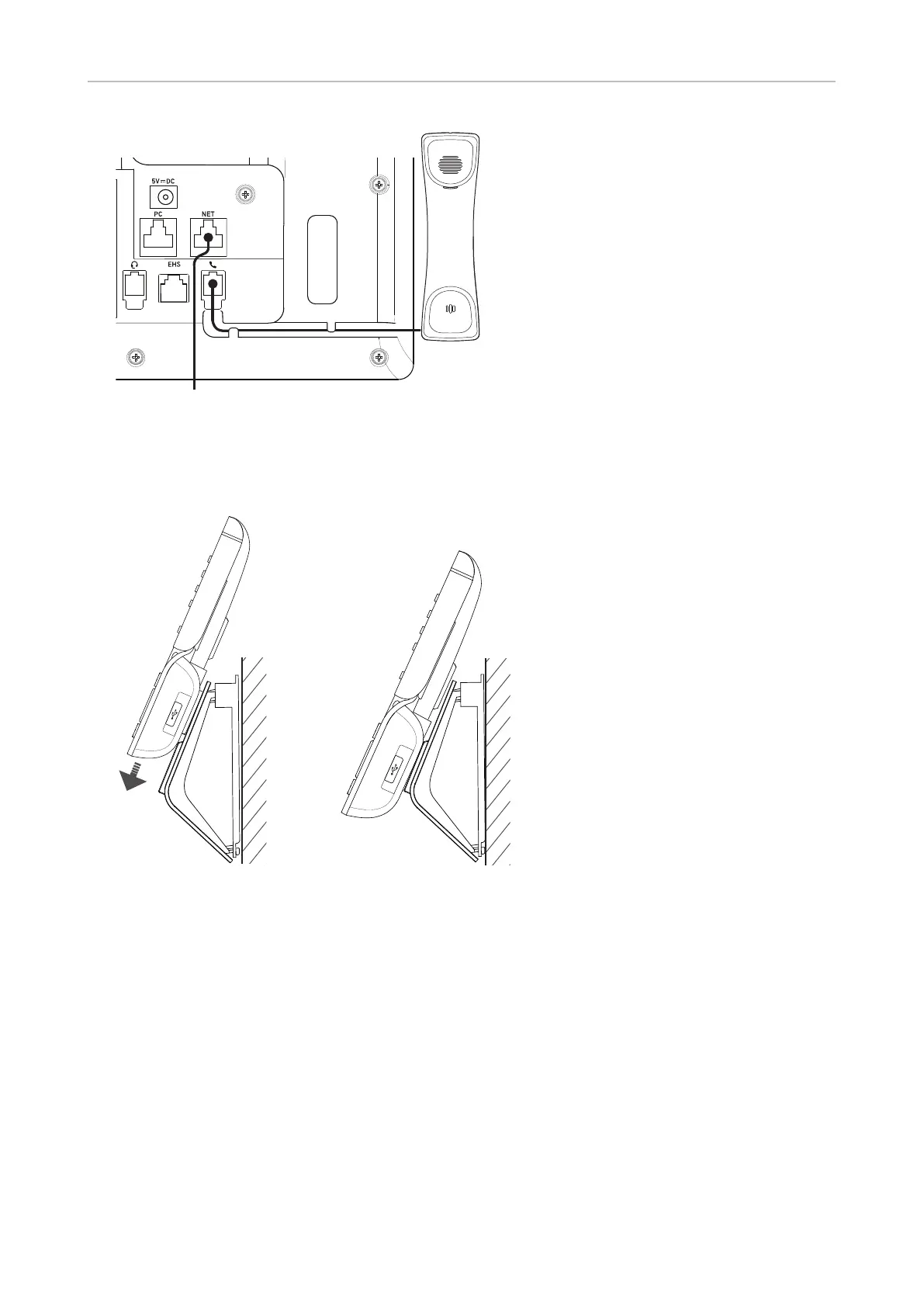
5. If you are using a wall plate, plug the Ethernet cable into the port on the plate.
6. Slide the phone onto the wall bracket until it clicks into place.
1 2
7. To hold the handset more securely on the tab of the cradle, rotate it 180° so that it protrudes
slightly above the rim of the cradle. See "Rotating the tab of the cradle" on page 11. "



 To Next Page