Status Indicator LED
LED LED Activity Meaning
1 blink per second
Bluetooth radio is on, but not
connected.
Bluetooth
Status
(Blue)
1 blink per 3 seconds Bluetooth connection.
Good Read
(Green)
On
Data successfully scanned and
transmitted to host device.
Blinking 20% battery capacity remaining
On 10% battery capacity remaining
Battery
Status
(Red)
Off Off or Good Battery status
Status Indicator Beeps
Beep Pattern Meaning
2 beeps (low-high) Power on
2 beeps (high-low) Power off
1 beep
Bluetooth connection to host device has begun
OR data has been successfully scanned and sent
to host device*
2 beeps
(same tone)
Bluetooth connection to host device has ended
3 long beeps Cable disconnected from wrist unit
5 beeps CRS has detected an error and reset
*Good scan confirmation beep is enabled only in packet mode (default).
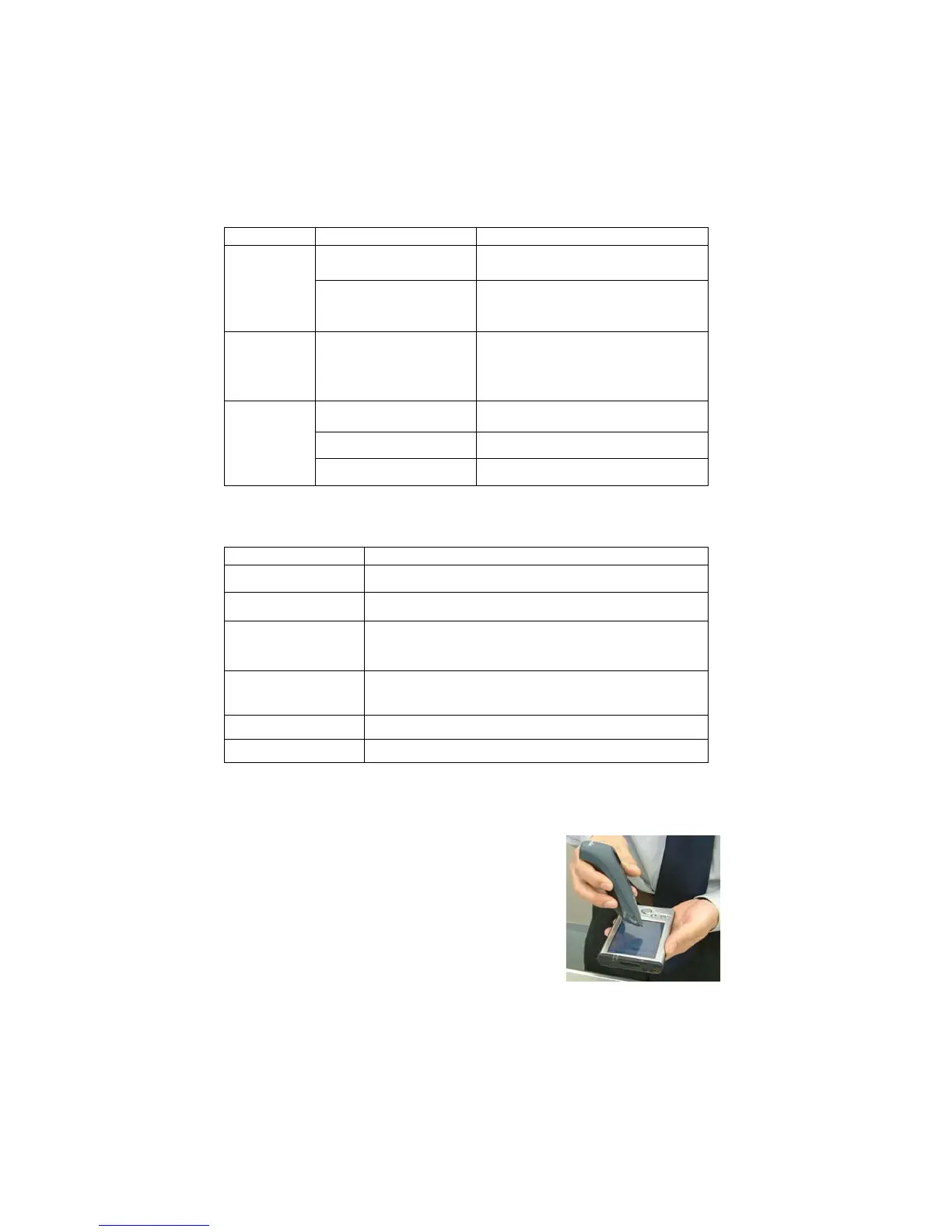
Touch Screen Stylus
The CHS features a stylus tip in the tail of the
CHS that you can use on Pocket PC and other
device touch screens.
WARNING: Do not use the stylus if
damaged. A damaged stylus may scratch
the display screen of your computer.
The stylus does not work with tablets using Active Matrix displays.
10















 To Next Page