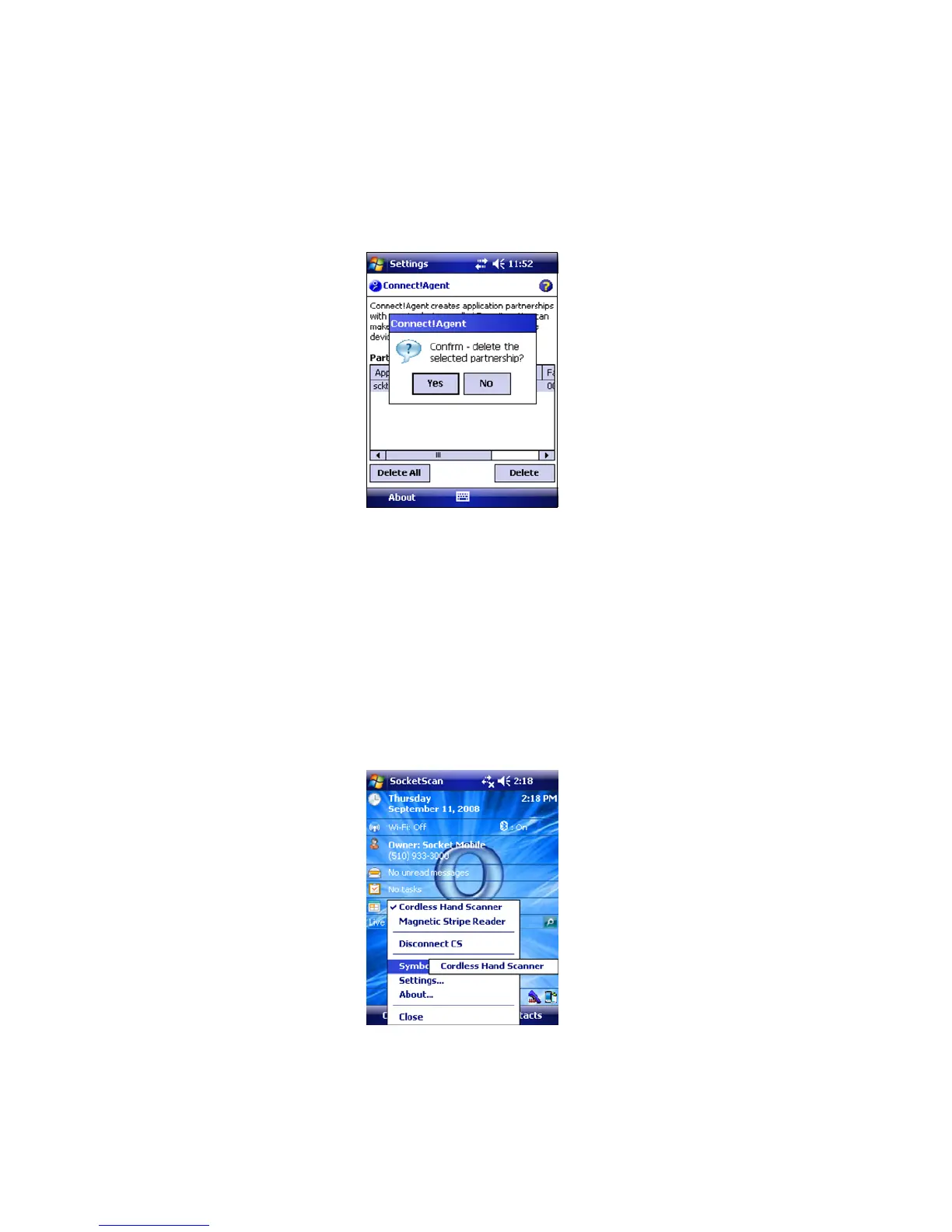
3. If you wish to remove a device from the partnership list, select
the device and tap Delete. In the confirmation screen, tap
Yes.
DUAL DEVICE SUPPORT
SocketScan versions 7.2.4 and later support the simultaneous use
of a cordless and a plug-in Socket data collection device with the
same computer.
Simply connect or plug in each device as normal. Each device will
function normally. No extra configuration is required.
The SocketScan menu will list both devices, with a checkmark
next to the active device. Additionally, the Symbology Selector
menu option will have a submenu for you to choose which
device to choose symbologies for.
30















 To Next Page