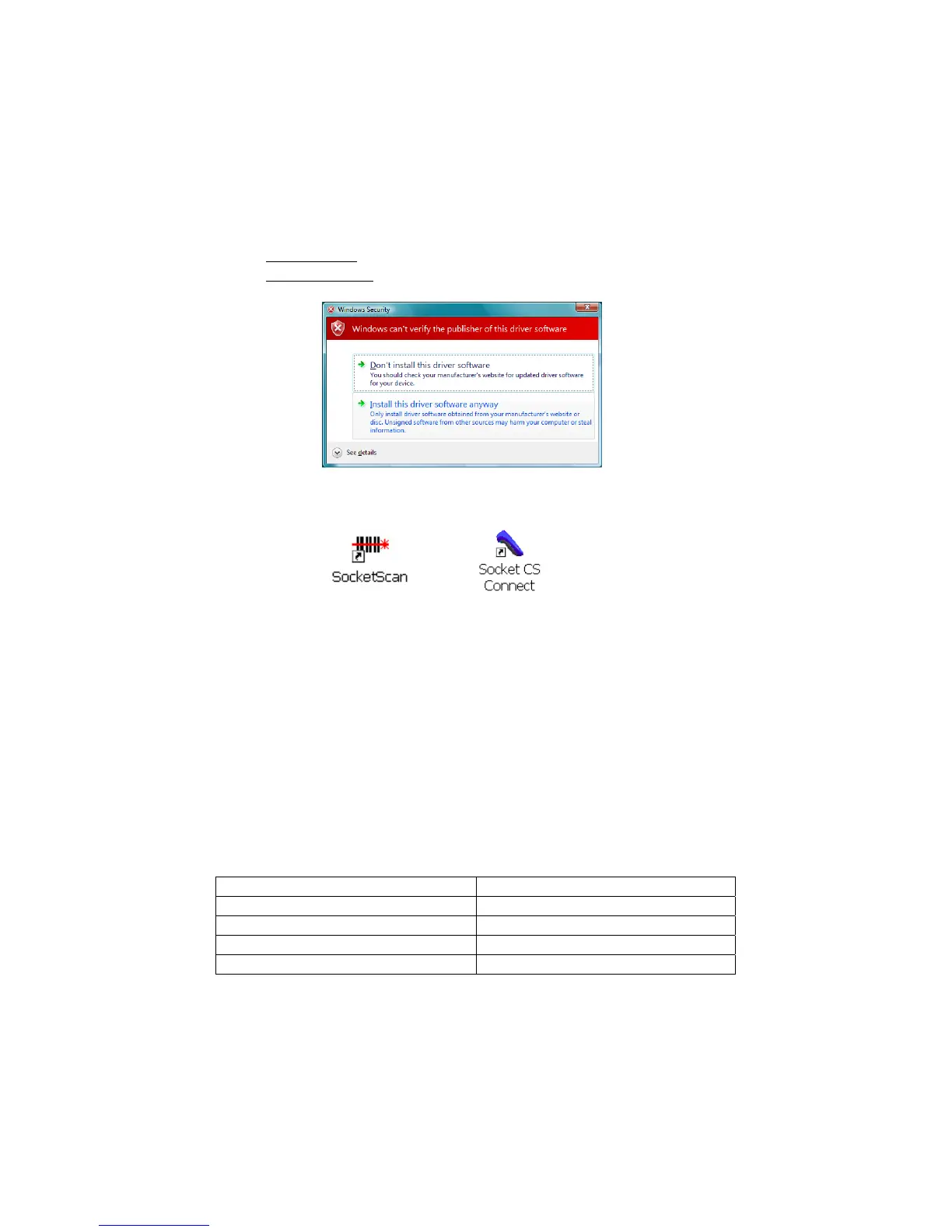
8. During installation, a message will warn that the software is
unsigned.
• Windows XP: Click Continue Anyway.
• Windows Vista
: Click Install this driver software anyway.
9. After software installation, icons for SocketScan and Socket
CS Connect will appear on your desktop.
10. Restart your computer.
STEP 3: TURN ON THE CHS
Press and hold the small power button for 3 seconds, until
the LED turns blue and the scanner beeps. The LED should blink
blue once per second to show that the Bluetooth radio is on but not
connected.
After the scanner is turned on, its Bluetooth mode will change over
time if no connection is made.
Time after turning on scanner Bluetooth mode
0-5 minutes Discoverable and connectable
5-10 minutes Connectable
10-20 minutes Not discoverable or connectable
20 minutes Scanner automatically powers off
44















 To Next Page