5 | SETUP FOR WINDOWS XP AND
WINDOWS VISTA
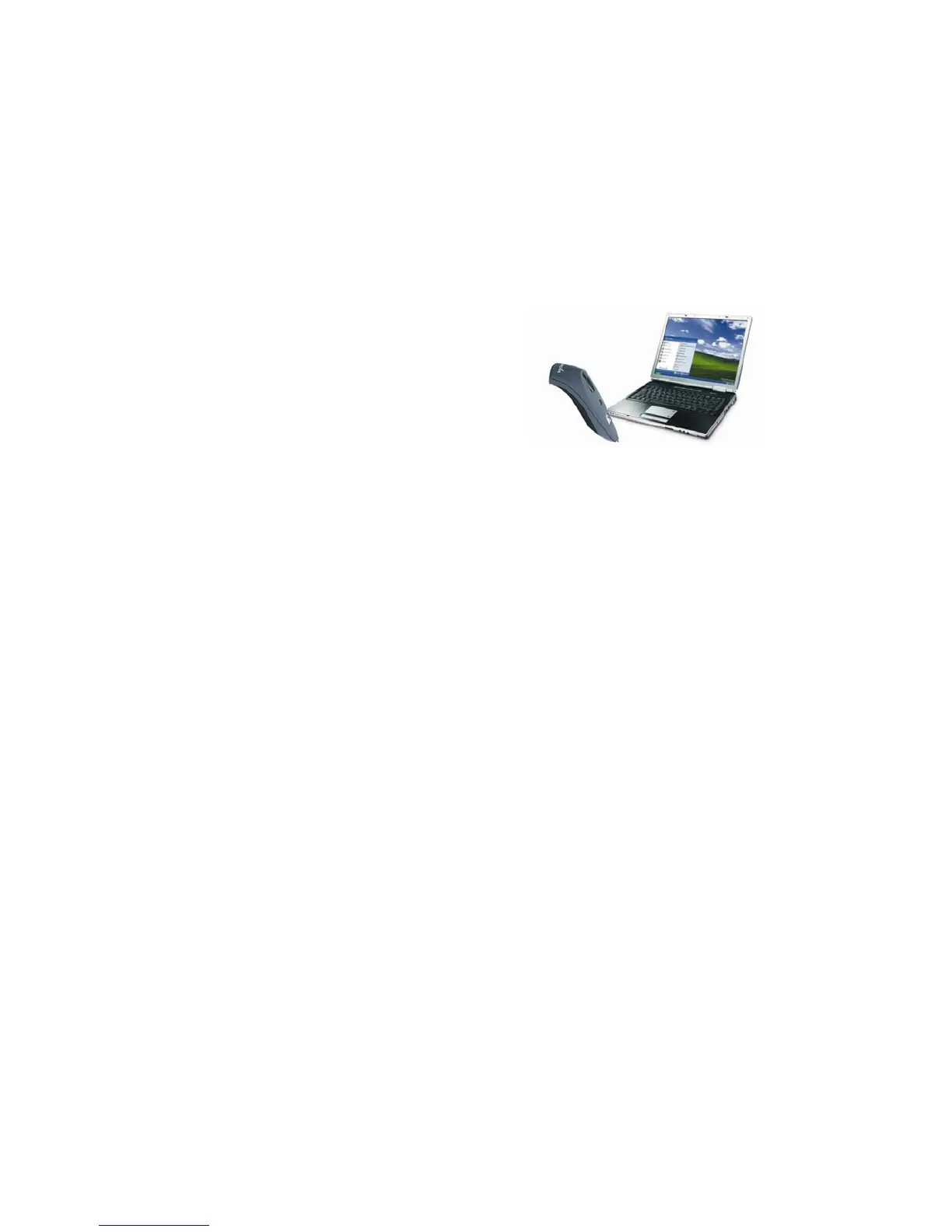
This chapter explains how to install and
use the Cordless Hand Scanner (CHS) with
a Bluetooth enabled computer running
either of the following operating systems:
− Windows XP Professional/Tablet PC
(SP1, SP2, SP3)
− Windows Vista Business/Ultimate (SP1)
Before you begin the instructions in this chapter, make sure you
have installed the batteries (and tether, if desired), and charged
the scanner, as described in Chapter 2, “Hardware Setup.”
Setup Summary
STEP 1: Uninstall other scanning software.
STEP 2: Install SocketScan software.
STEP 3: Turn on the CHS.
STEP 4: Start Bluetooth on your computer.
STEP 5: Configure Bluetooth settings.
STEP 6: Start SocketScan.
STEP 7: Configure scanner settings.
STEP 8: Connect computer to CHS.
STEP 9: Open your application.
STEP 10: Scan data into your application.
Application Features
Scanner settings.
Advanced Bluetooth settings.
Remote trigger button.
Symbology selector
Version information
CHAPTER 5: SETUP FOR WINDOWS XP & WINDOWS VISTA 41















 To Next Page