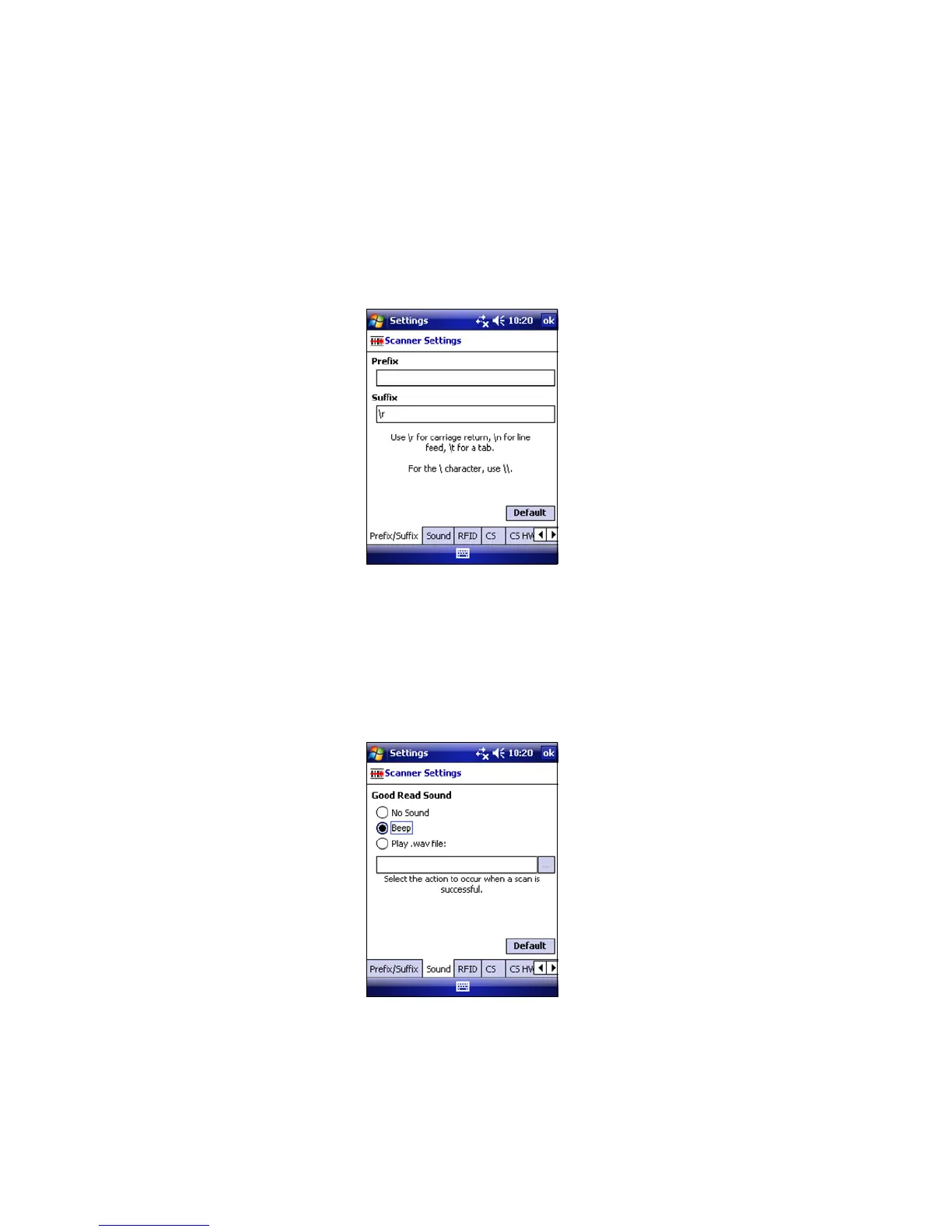
SCANNER SETTINGS
1. Tap on the SocketScan icon. In the pop-up menu, tap Settings.
2. Enter characters append to each scan (128 character
maximum).
The default suffix, \r, is for a carriage return. Use \n for
Linefeed, \t for Tab., \\ for a single \ character. Other
characters can be typed or entered using the format \nnn,
where nnn = ASCII character 001 - 255.
3. Tap on the Sound tab. Select a sound to indicate a good read.
If you select Play .wav file, tap … to search for the file (it
must be in My Documents).
4. Tap ok.
CHAPTER 3: SETUP FOR WINDOWS MOBILE 27















 To Next Page