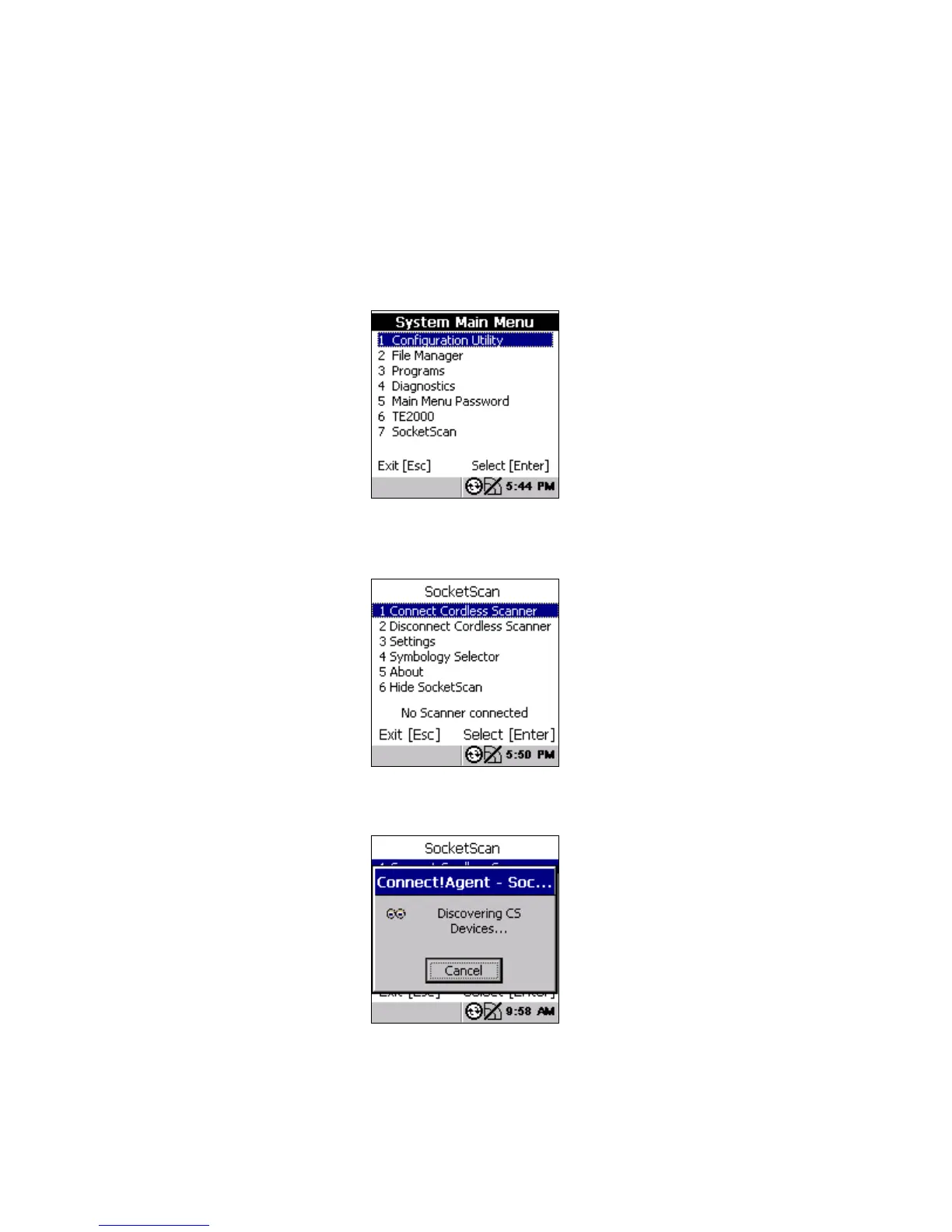
STEP 3: START SOCKETSCAN
1. On the CK30, press the green button and then the orange
button to access the System Main Menu.
2. In the System Main Menu, press 7 SocketScan.
STEP 4: CONNECT CK30 TO CHS
1. In the SocketScan menu, press 1 Connect Cordless Scanner.
2. Connect!Agent will automatically turn on the Bluetooth radio
and begin to search for and connect to the CHS.
34















 To Next Page