- If this is your first time connecting to a CHS from this
CK30, Connect!Agent will begin searching for any CHS in
range.
- If you have previously connected to a CHS, Connect!Agent will
begin searching for the last one you connected to.
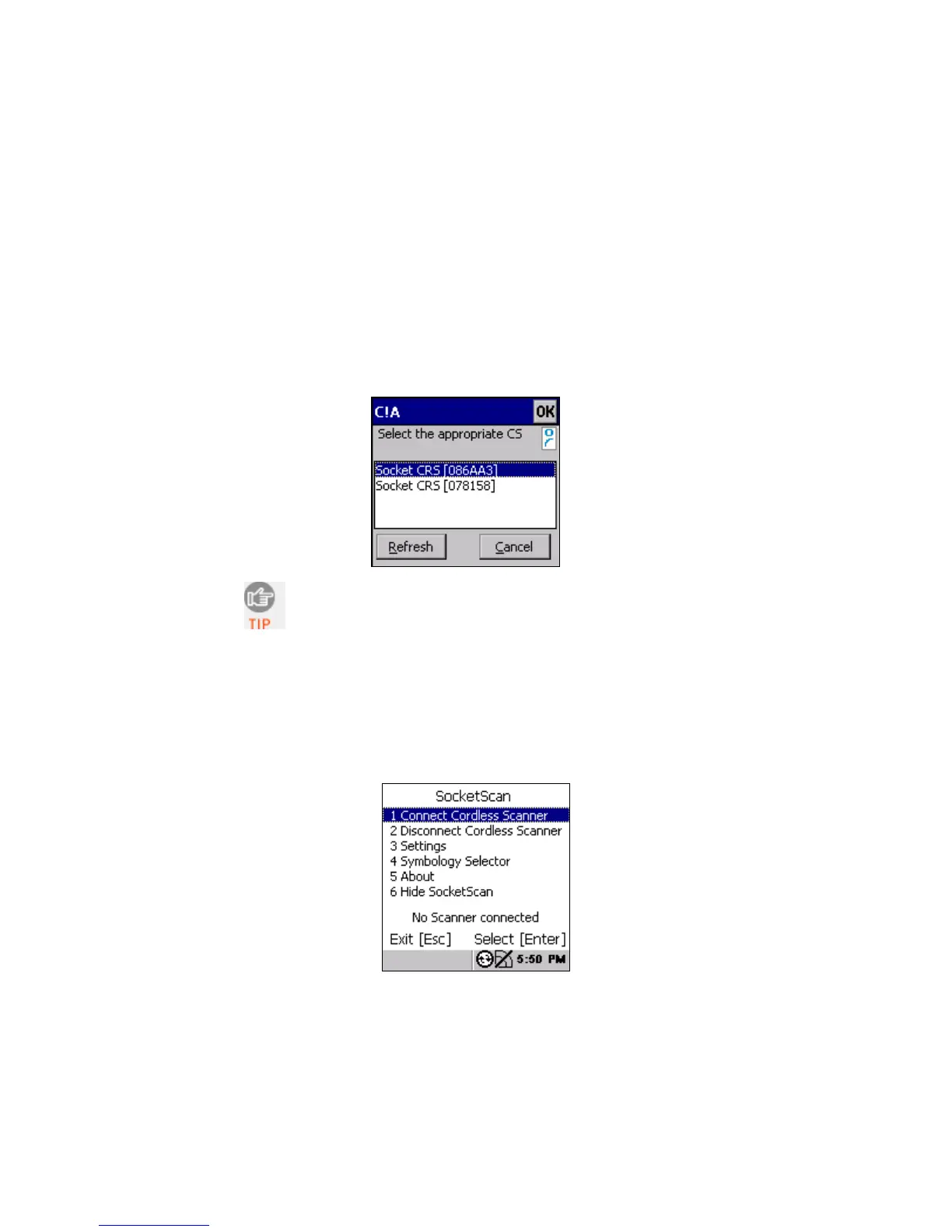
3. If Connect!Agent does not have a favorite scanner and finds
multiple CHS devices in range, select the one you want to
connect to and press the Enter button on the right side.
The characters in brackets are the last six characters
of the Bluetooth Device Address, which is printed
on a label inside the battery compartment.
4. Connect!Agent will begin connecting to the CHS.
5. After the CK30 connects to the CHS, the CHS will beep once,
and the bottom of the screen will report, “CHS connected.”
6. In the SocketScan menu, press 6 Hide SocketScan.
IMPORTANT! Do not press the Esc button, or you will close
SocketScan and won’t be able to scan bar codes into the CK30.
CHAPTER 4: SETUP FOR INTERMEC CK30 35















 To Next Page