CONNECT!AGENT UTILITY
The Connect!Agent utility enables you to view and change the
default Socket Bluetooth peripherals for Connect!Agent.
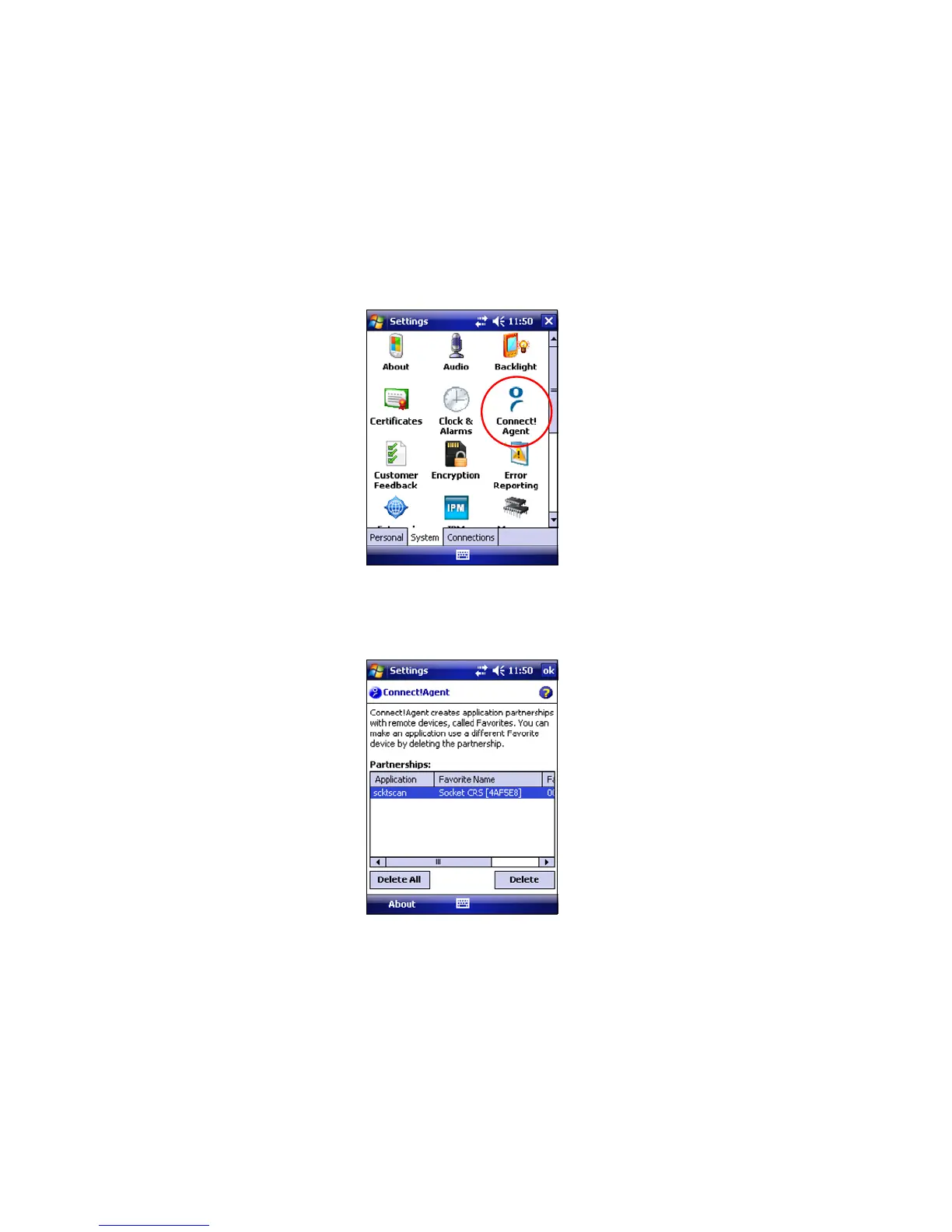
1. Tap Start | Settings | System tab | Connect!Agent.
2. The Connect!Agent utility lists the cordless bar code scanner it
has saved as a favorite device. Connect!Agent will
automatically try to connect to this device when SocketScan
starts.
Note: Besides SocketScan, the Connect!Agent utility can save a
favorite cordless bar code scanner for Scan Demo.
CHAPTER 3: SETUP FOR WINDOWS MOBILE 29















 To Next Page