If the CHS is taken out of range, or if the Bluetooth
connection is otherwise lost, to resume operation you
must enable it again in SocketScan.
For more information about the meanings of LEDs
and beeps, please see Chapter 1.
STEP 6: OPEN YOUR APPLICATION
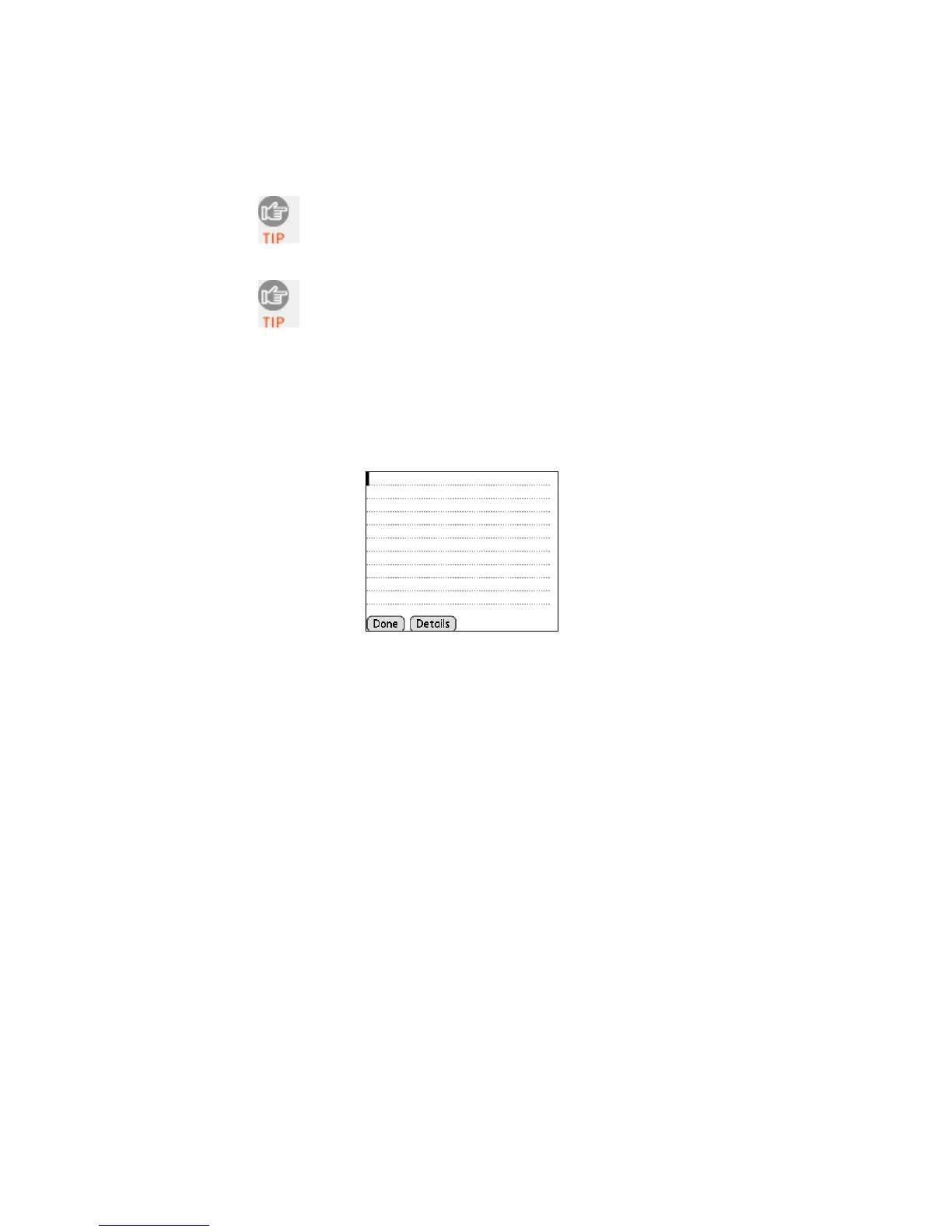
1. Start the Palm application that you want to receive the data
(e.g., Memo). Make sure a document or spreadsheet is open.
Note: You cannot scan data into Palm Note Pad, because it is a
graphics-based program.
2. Place the cursor where you want data from the next scan to
enter.
70















 To Next Page