For example, if you already scanned three lines of data
into Memo, the next data you scan will appear on the
fourth line, even if you place the cursor on a previous
line before scanning.
3. After entering any settings, tap OK to save the changes.
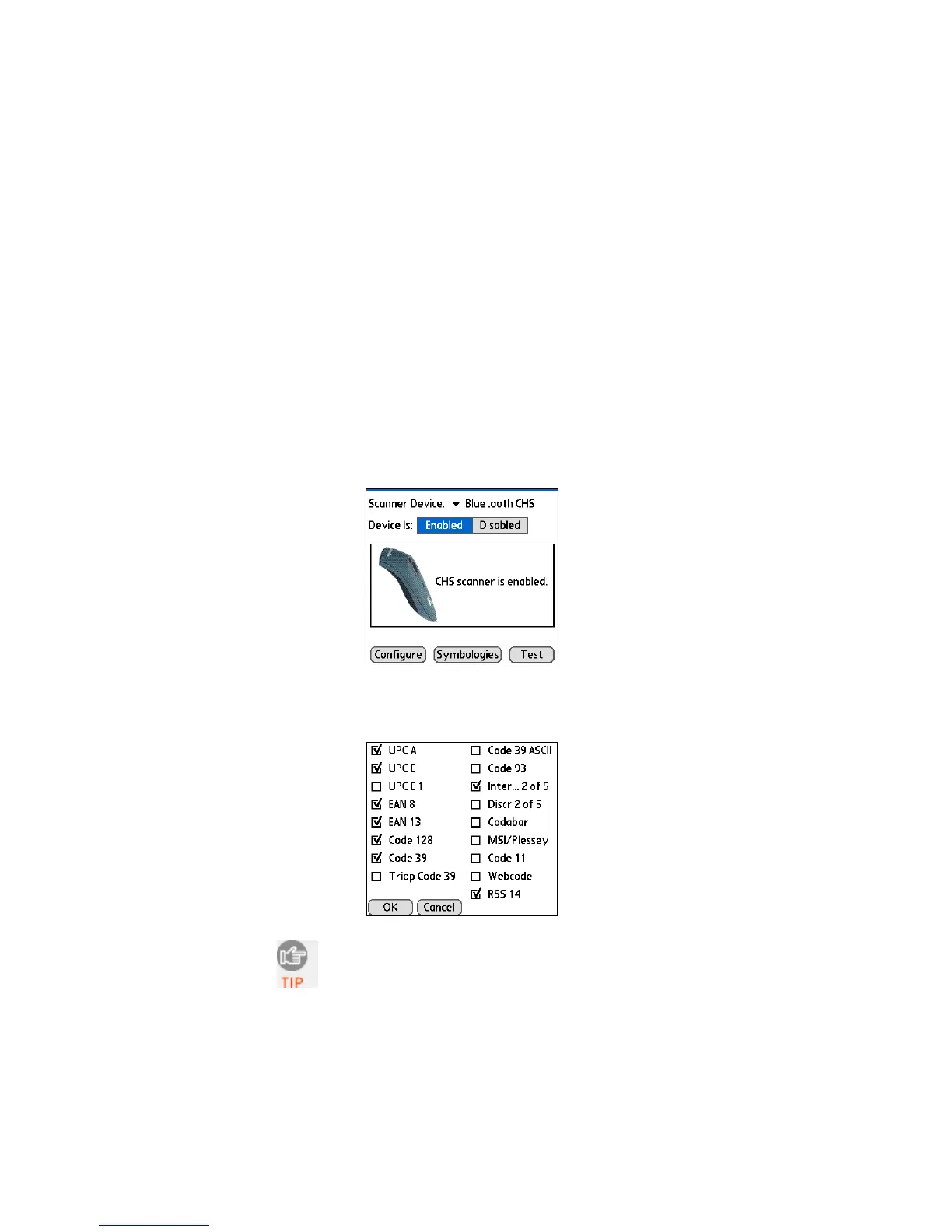
SYMBOLOGY SELECTOR
The feature makes it easy to modify which symbologies you want
the scanner to recognize. By default, the scanner is set to
recognize eight of the most common symbologies.
1. In the main screen of SocketScan, tap Symbologies.
2. In the screen that appears, check the symbologies you wish to
enable. Uncheck those you wish to disable. Tap OK.
Enabling all possible symbologies will make the
decode process slightly longer.
74















 To Next Page