STEP 1: UNINSTALL OTHER SCANNING SOFTWARE
Uninstall any bar code scanning software already installed in your
computer, including previous versions of SocketScan.
1. Make sure the software is closed.
2. Click Start | Control Panel. For Windows Vista, click
Programs and Features. For Windows XP, click Add or
Remove Programs.
3. Use the utility to remove the software.
STEP 2: INSTALL THE SOFTWARE
1. If you are using Windows Vista, make sure you have an
administrator account.
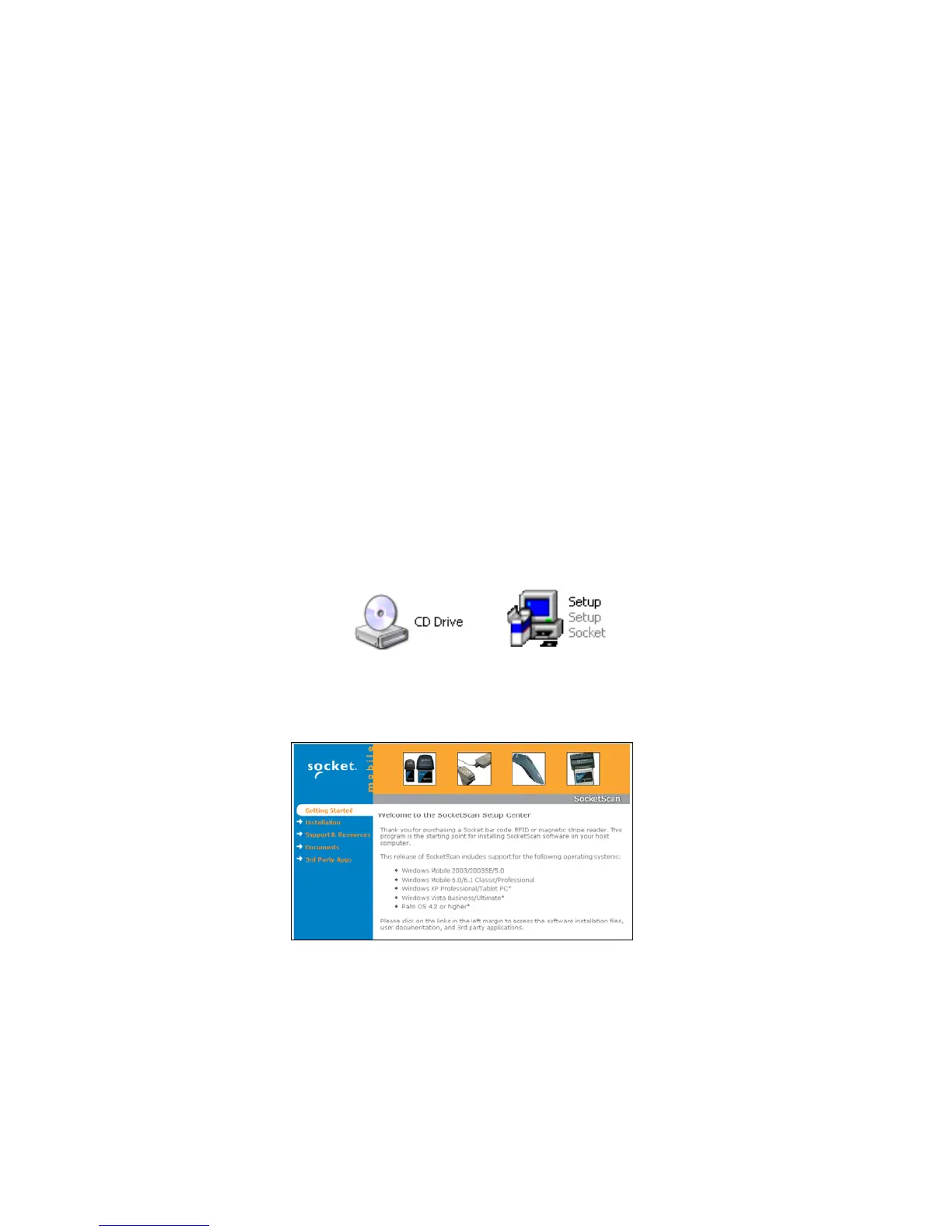
2. Insert the installation CD into the CD drive of your PC.
3. Use My Computer or Windows Explorer to access your CD-
ROM drive. In the CD, click on SETUP.EXE.
4. The SocketScan Setup Center will appear in your web
browser. Read the first page and click Installation in the left
margin.
42















 To Next Page