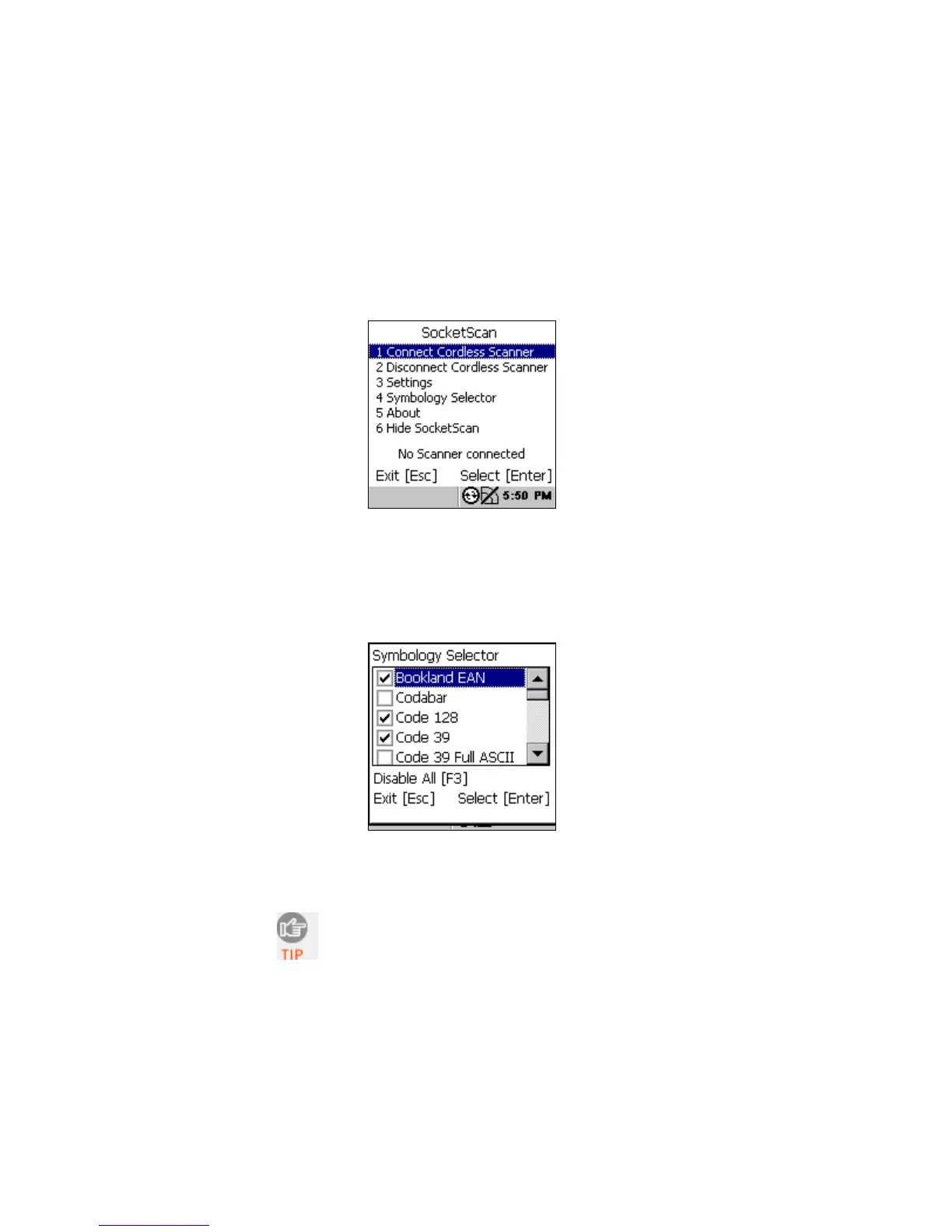
SYMBOLOGY SELECTOR
The SocketScan utility makes it easy to choose which symbologies
you want the scanner to recognize.
1. In the SocketScan menu, press 4 Symbology Selector.
2. In Symbology Selector, press the arrow buttons to scroll
through the list. To enable/disable a symbology, select it from
the list and press the Enter button on the right side. For
convenience, you can press F3 to disable all the symbologies,
and later select the ones you want.
3. After making all of your selections, press Esc to exit
Symbology Selector.
Enabling all possible symbologies will make the
decode process slightly longer.
38















 To Next Page