STEP 8: SCAN DATA INTO YOUR APPLICATION
1. Press the trigger button and scan the bar code.
When data is read and sent to device, the scanner will beep
once, the LED will flash green, and the beam will turn off.
If no data is read in a few seconds, the scanner beam will turn
off, and you must try again.
After you scan a bar code, the CHS will not allow you to
scan another bar code for 10 seconds or until the host
device confirms receipt of the scanned data.
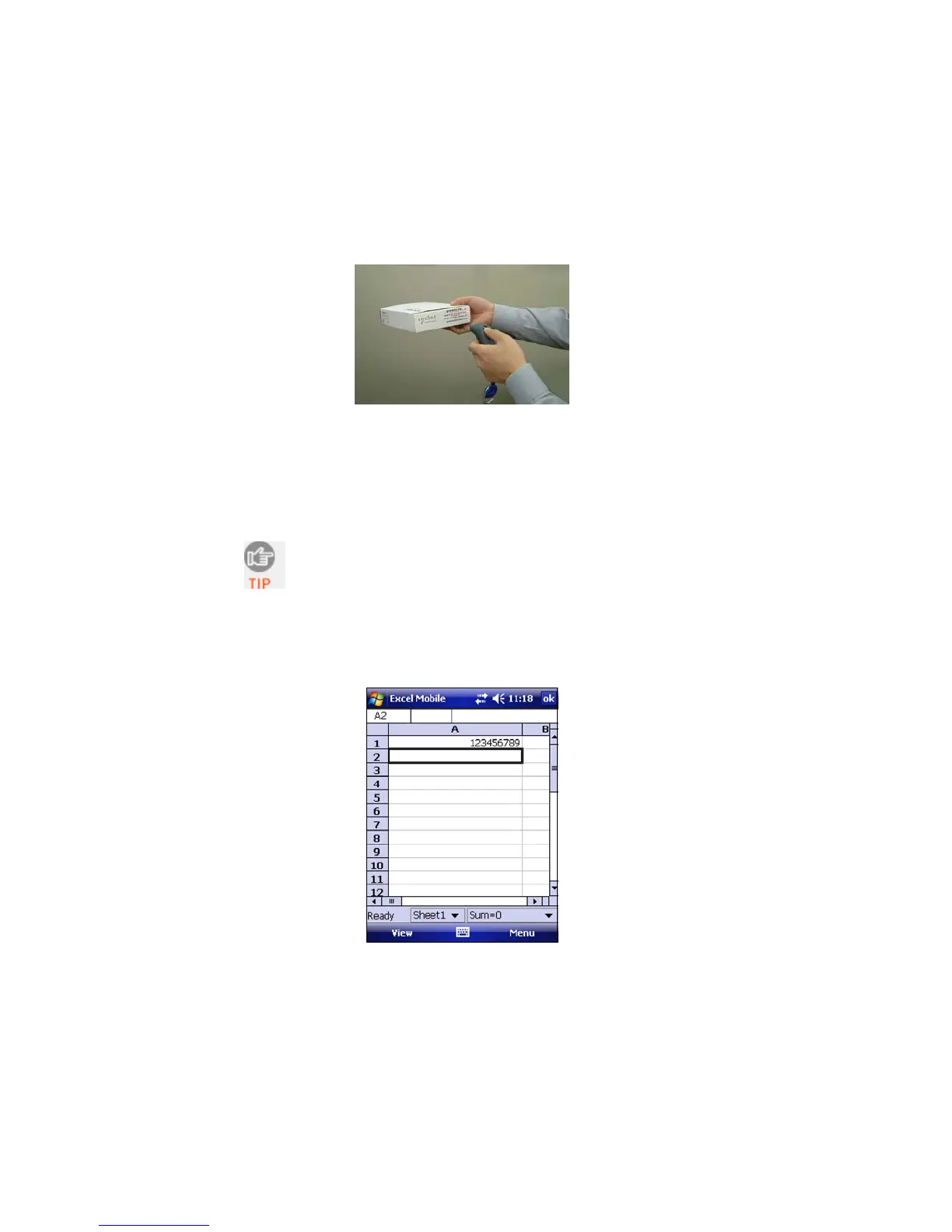
2. After a successful scan, data should appear in your document.
The default “CR” (carriage return) suffix will advance the
cursor to the next line or field, ready for the next scan.
Wait for the “Good Scan” indication before you scan another
bar code. If you try to scan too fast, the device can lock up
until you stop scanning.
24















 To Next Page