POWER SETTINGS
The SocketScan utility lets you manage the power settings of the
CHS.
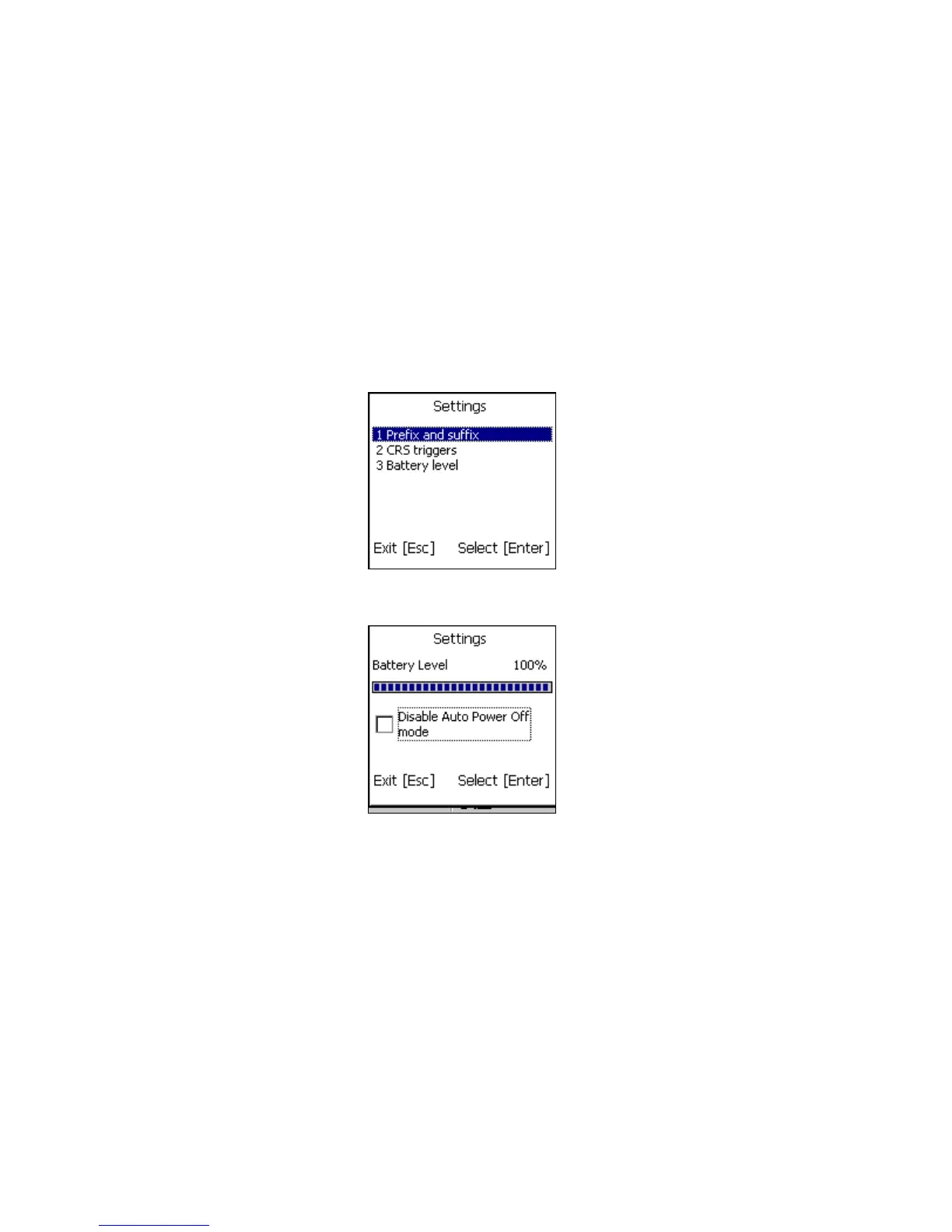
1. Make sure the CHS is connected to the CK30.
2. In the SocketScan menu, press 3 Settings.
3. In the Settings menu, press 3 Battery level.
4. The next screen will report the battery level of the CHS.
Disable Auto Power Off mode:
CAUTION: Selecting this option will disable the Auto
Power Off mode and can result in complete discharge
of the CHS batteries. Use with caution.
5. Press Esc to exit the Battery Level screen.
40















 To Next Page