REMOTE TRIGGER BUTTON
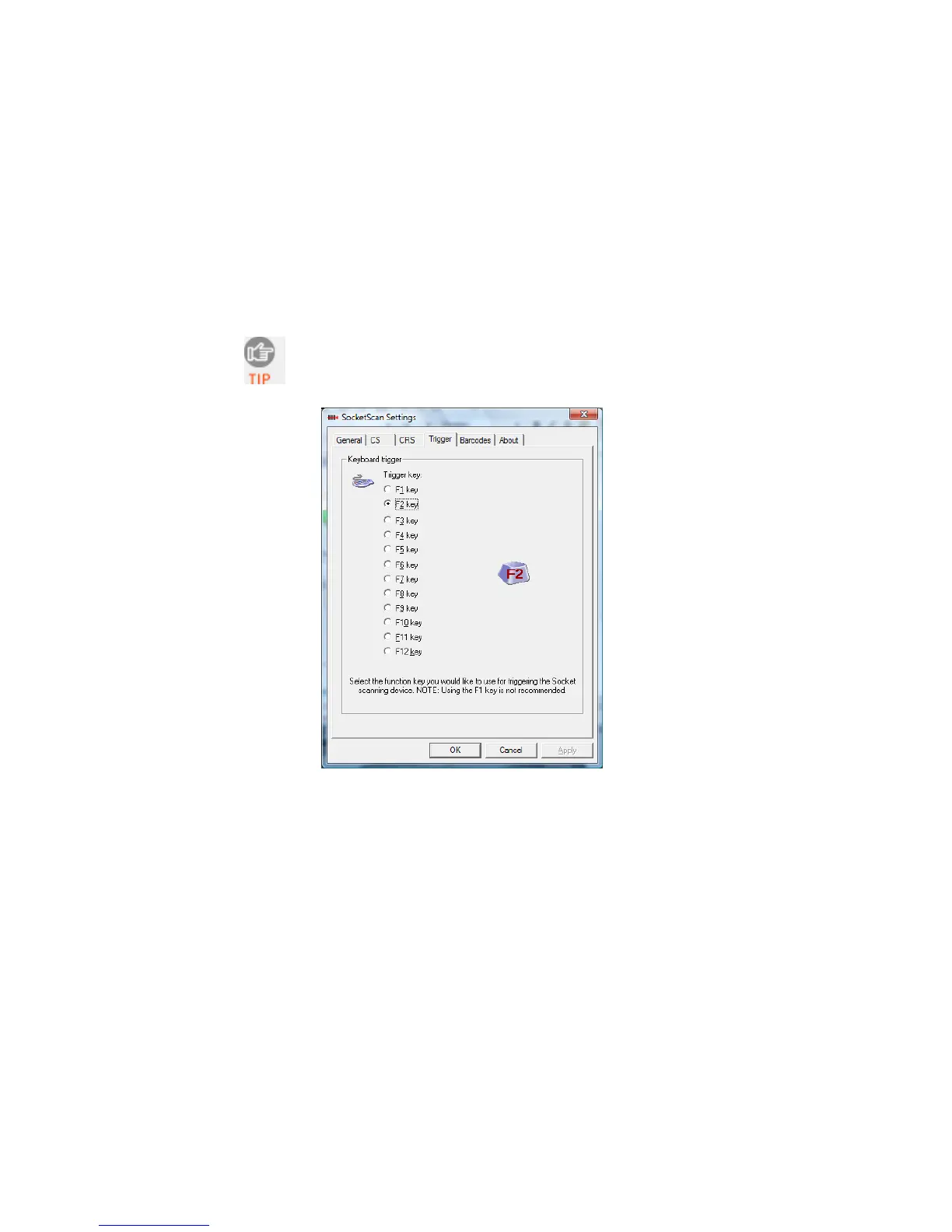
The SocketScan utility enables you to assign one of your
computer’s function keys to trigger the CHS.
1. In SocketScan Settings, click on the Trigger tab.
The Trigger and Barcodes tabs will only appear if
you are connected to the CHS.
2. Select the function key you would like to use as a trigger key.
Click OK.
CHAPTER 5: SETUP FOR WINDOWS XP & WINDOWS VISTA 61















 To Next Page