If desired, click Delete Bonding to delete any bonding/pairing
information in the CHS. After making any changes, click OK.
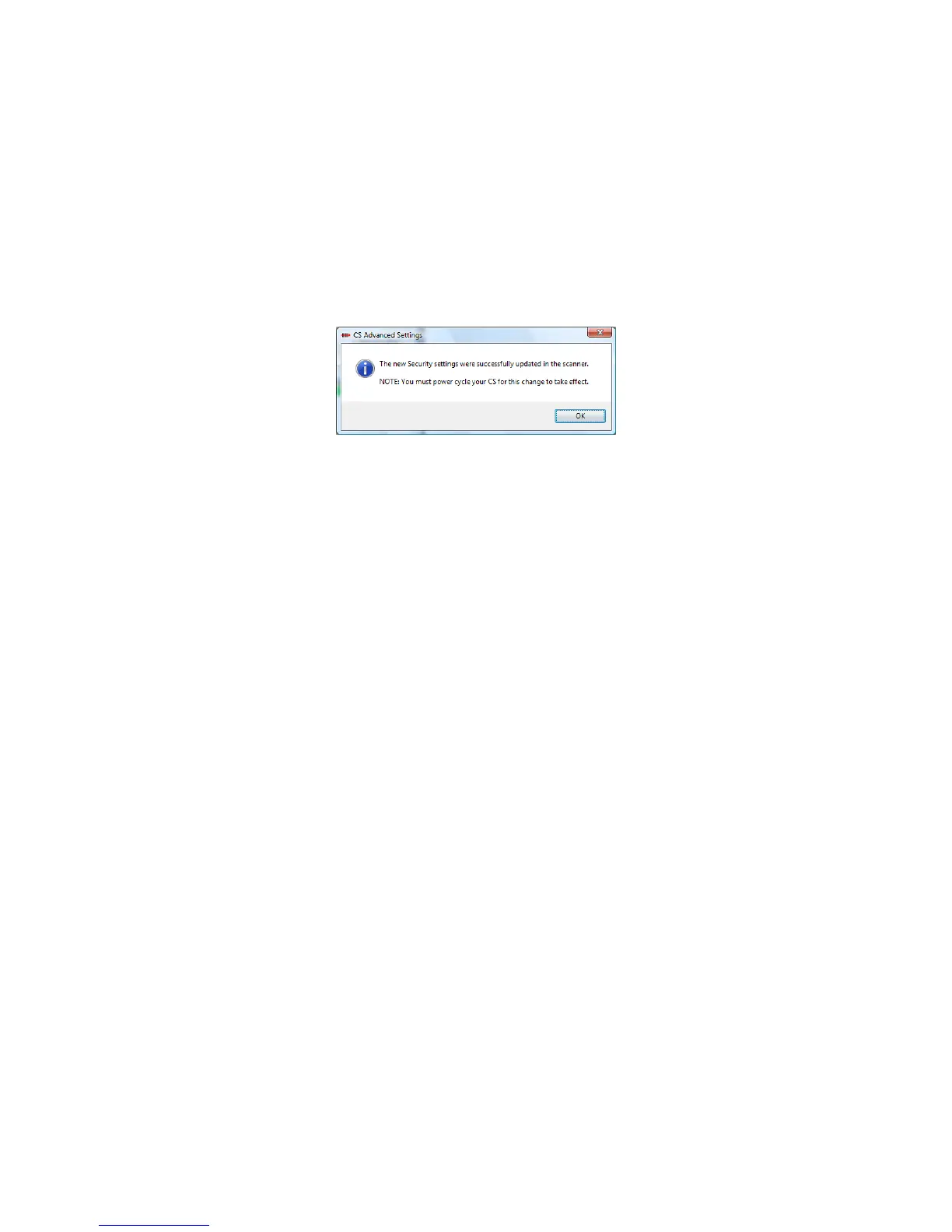
6. If you modified any security settings, you will be prompted to turn
your CHS off and back on to make the changes take effect. Read
the message and click OK. Turn the CHS off and back on again.
7. When you return to the CHS Advanced Settings screen, click
Close.
8. In the SocketScan Settings screen, click OK.
60















 To Next Page