SYMBOLOGY SELECTOR
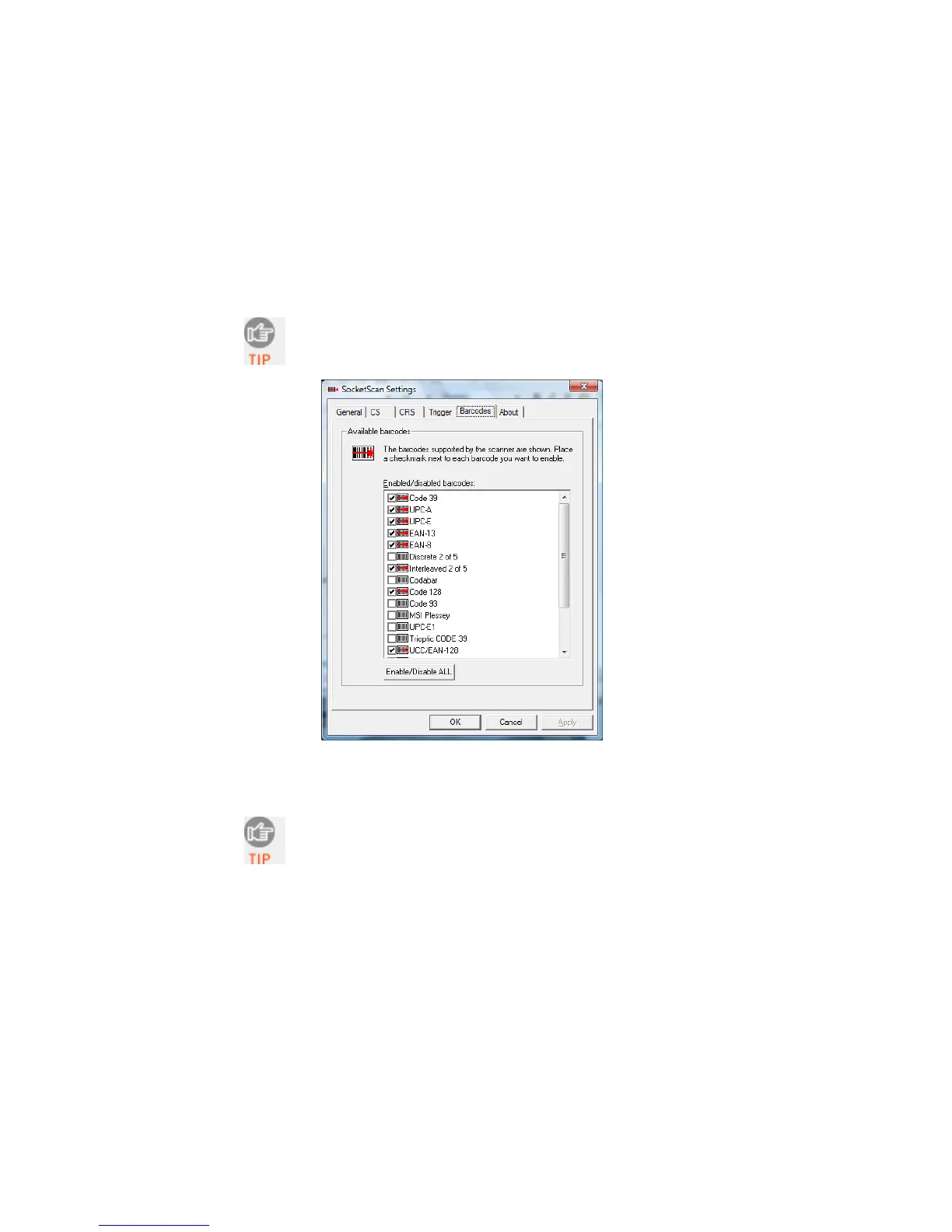
The SocketScan utility makes it easy to modify which symbologies
you want the scanner to recognize and decode.
1. In SocketScan Settings, click on the Barcodes tab.
The Trigger and Barcodes tabs will only appear if
you are connected to the CHS.
2. Check the symbologies you wish to enable. Uncheck those you
wish to disable. Click OK.
Enabling all possible symbologies will make the
decode process slightly longer.
62















 To Next Page