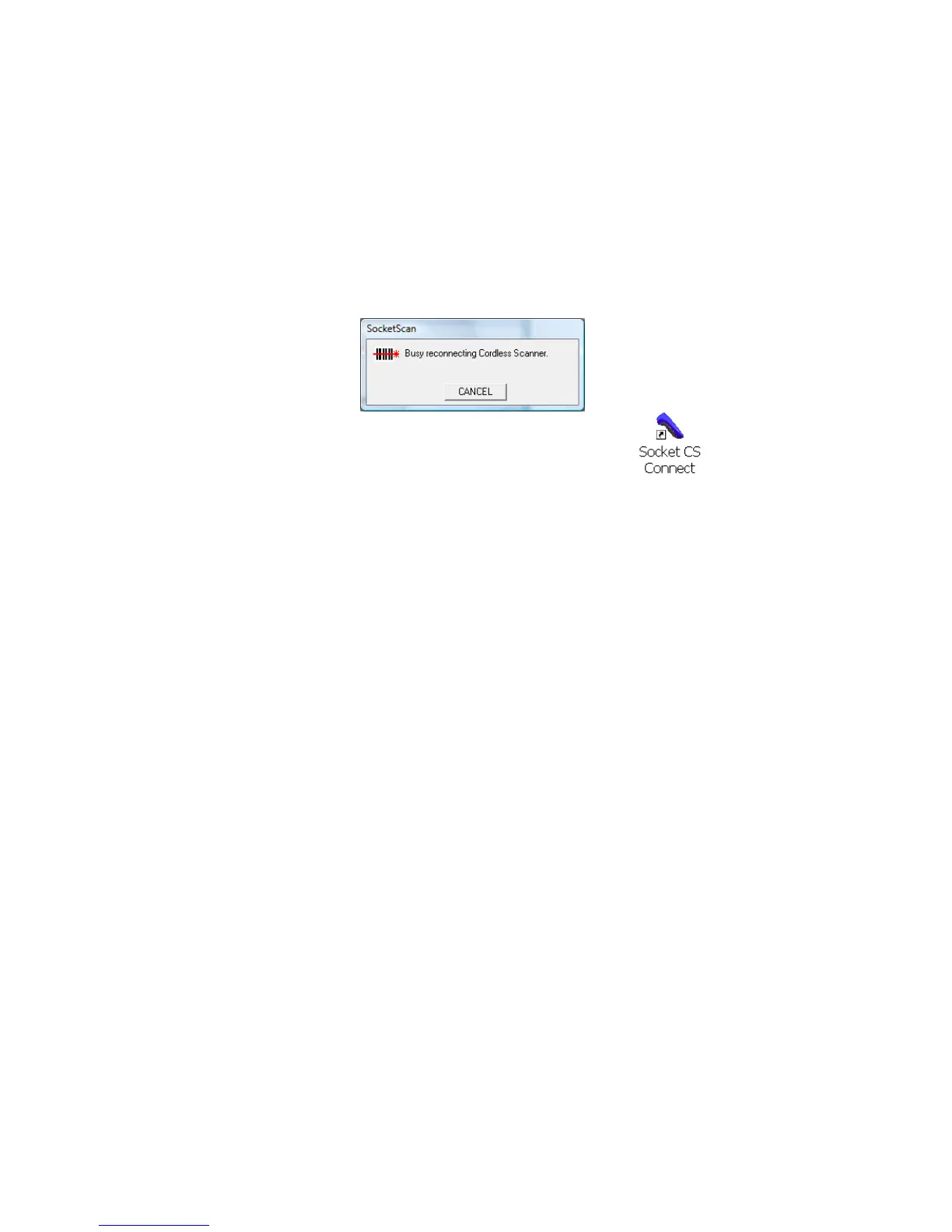
SocketScan Auto-Reconnect
If your computer suspends or the CHS is moved out of range,
the connection will be lost. After the computer turns on again
or returns in range, SocketScan will try to re-connect
according to the “auto re-connect” settings you chose in
SocketScan.
After the time limit for re-connection attempts has
passed, you can click on the Socket CS Connect icon
on the desktop to manually initiate re-connection.
By default, CS Auto Power off mode is enabled. This mode
must be disabled in order to enable automatic reconnections.
DISCONNECTING
To disconnect, click on the SocketScan icon. In the menu, click
Disconnect CS.
Turning off the CHS
To turn off the CHS, press and hold the power button for at least
3 seconds, until the blue LED turns off.
56















 To Next Page