STEP 5: CONNECT CHS TO PDA WITH BLUETOOTH
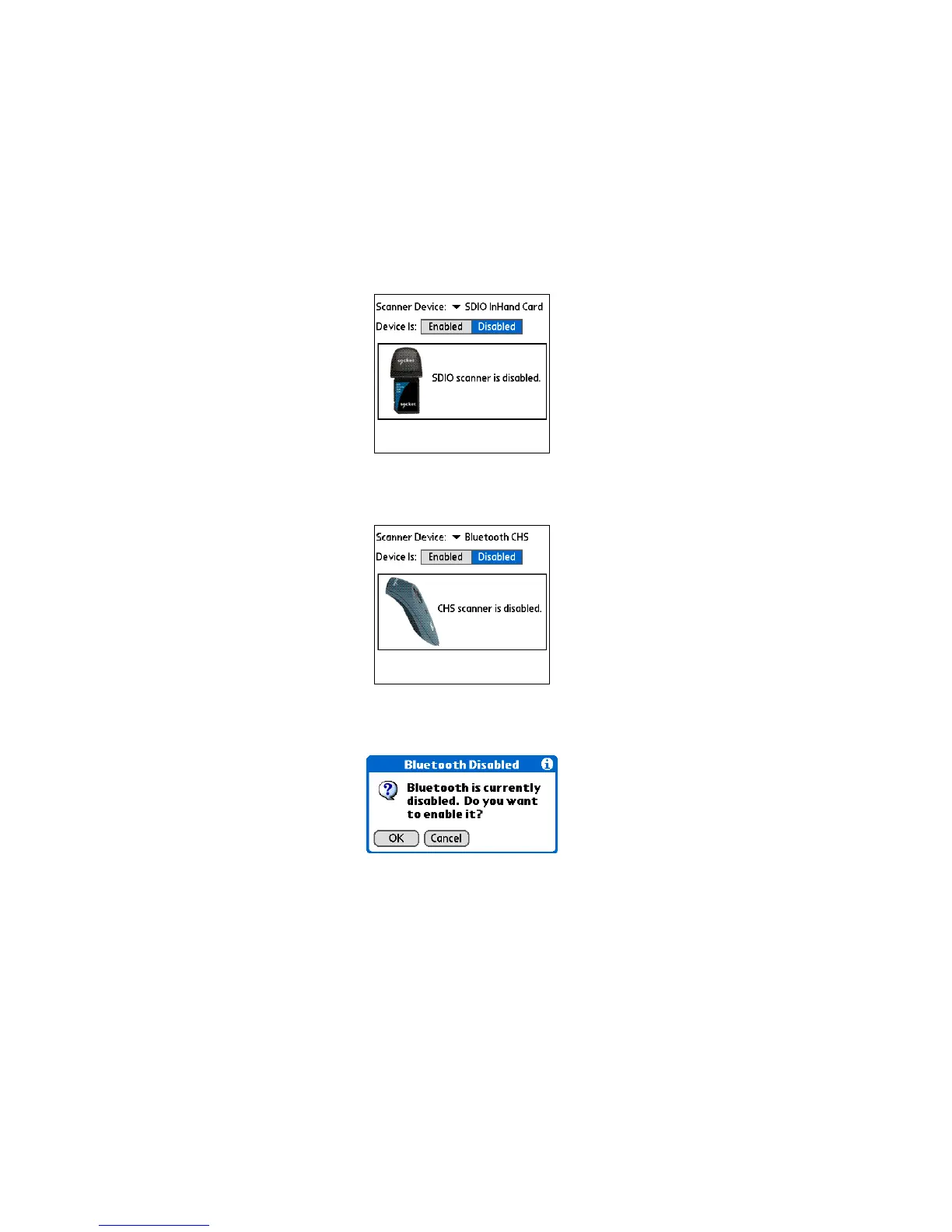
1. After you start SocketScan, the main screen of SocketScan will
appear, showing a picture of the Socket SD Scan Card. In the
Scanner Device drop-down menu, select Bluetooth CHS.
2. The screen will display a picture of the Cordless Hand Scanner.
In the Device is field, tap Enabled.
3. If you have not yet enabled your Bluetooth hardware, a
message will ask if you wish to do so. Tap OK.
68















 To Next Page