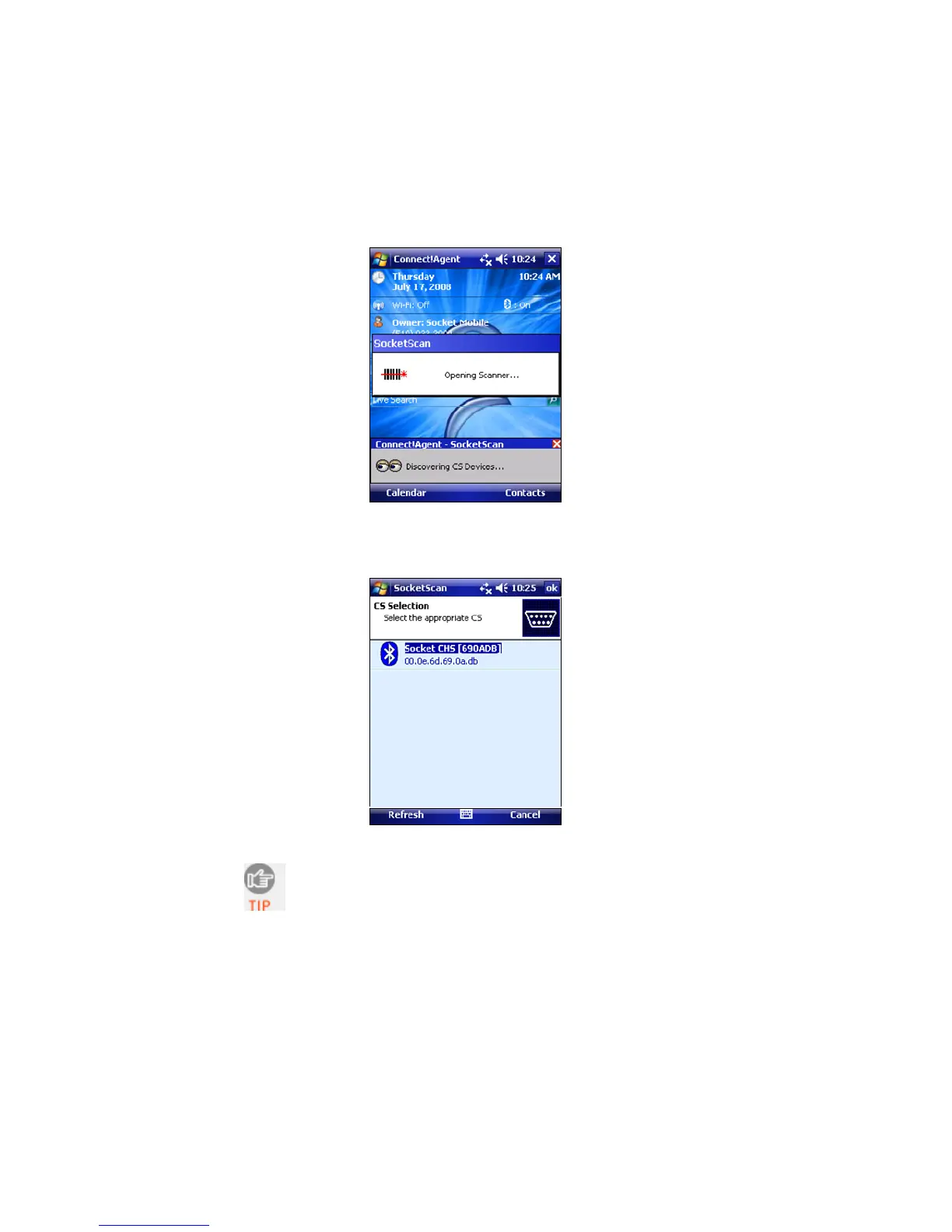
- If you have previously connected to a CHS, Connect!Agent
will automatically search for your favorite (default) device.
3. If Connect!Agent does not have a favorite scanner, select the
one you want to connect to and tap ok.
To help you identify the scanner, Connect!Agent
reports the Bluetooth Device Address, which is
printed on a label inside the battery compartment.
The characters in brackets are the last six characters
of the address.
22















 To Next Page