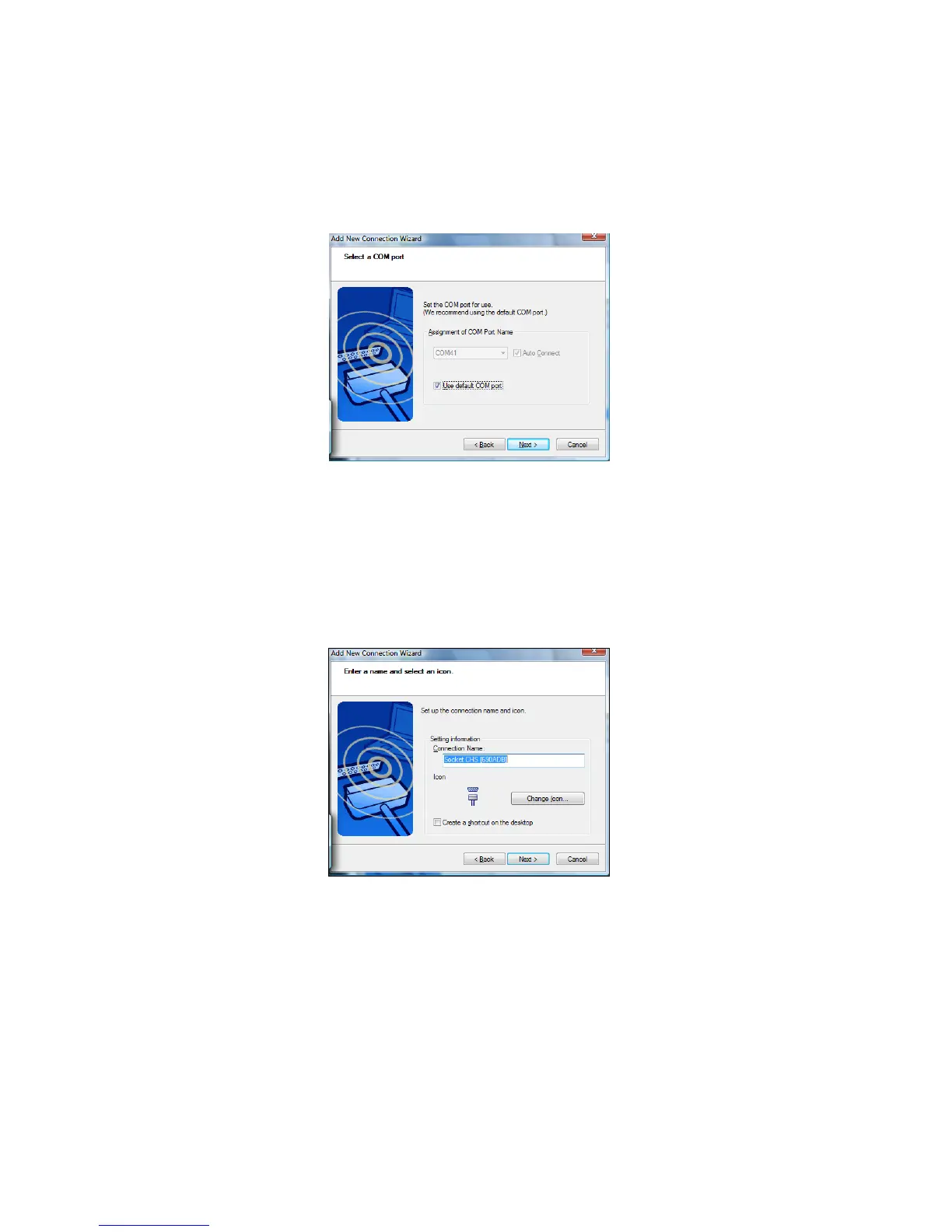
9. Select another COM port. If desired, check Auto Connect. Click
Next.
WARNING! Do not select a COM port that is used by
another device on your system!
10. After the wizard reports that COM port selection is complete,
remember the COM port number and click Next.
11. In the next screen, edit the connection name and/or icon if
desired and click Next.
12. In the last screen, click Finish.
50















 To Next Page