Sonos Multi-Room Music System User Guide
2-10
Step 3: Install the software
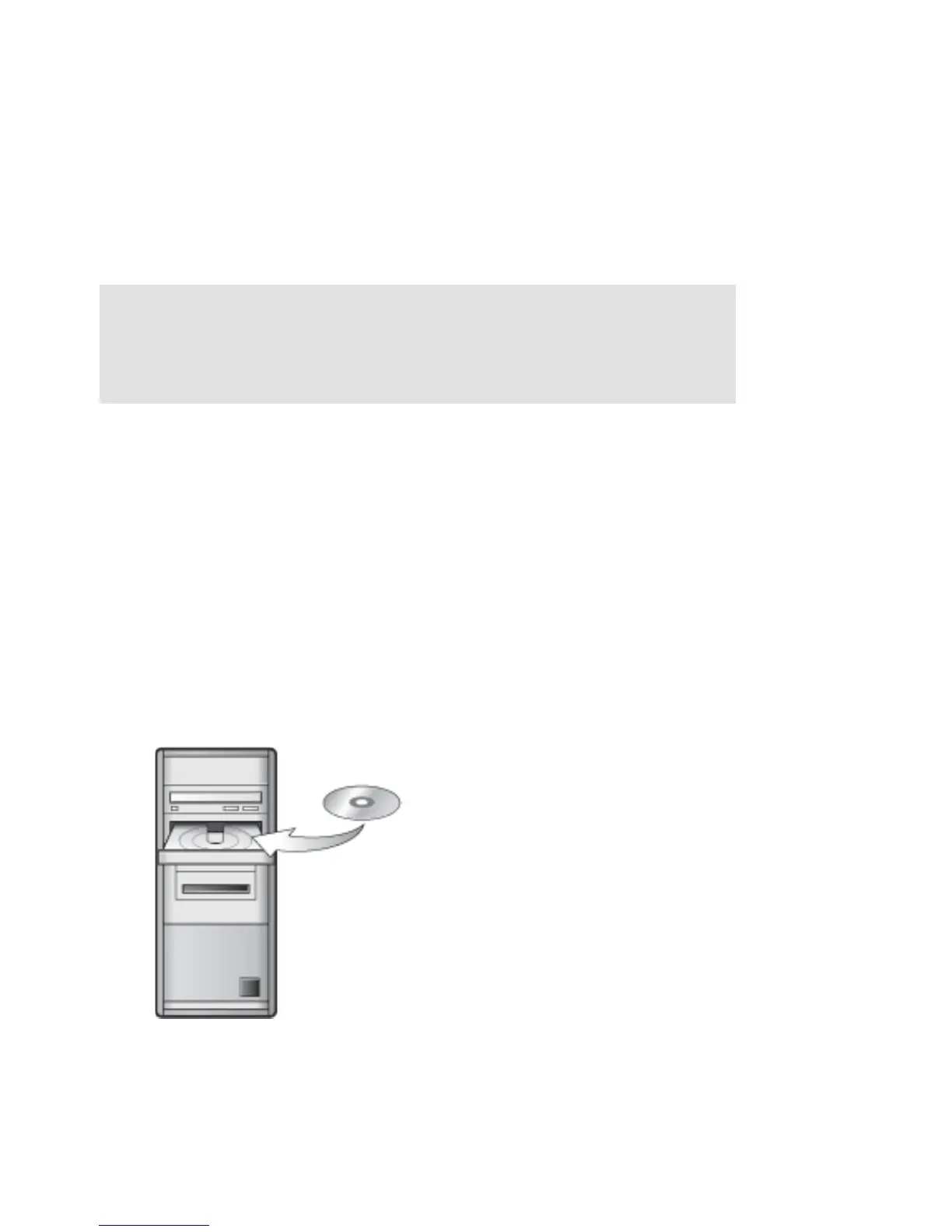
If your operating system is Windows® XP or later, or Macintosh® OS X, simply insert
the Sonos System Setup CD-ROM and follow the on-screen instructions to download
and install the software, configure your music system, and set up access to your
music files.
• If you have a different operating system, you can set up your music system us-
ing a Sonos Controller or an iPhone or iPod touch instead.
• See "System Setup Using Sonos Controller 200" on page C-2 for assistance
setting up Sonos using a Sonos Controller 200.
• See "System Setup Using iPhone/iPod touch" on page C-6 for assistance
setting up Sonos using an iPhone or iPod touch.
• If you only have a NAS device, see "System Setup for NAS Device (no rout-
er)" on page C-10.
• See "System Setup Using Sonos Controller 100" on page C-12 for assis-
tance setting up Sonos using a Sonos Controller 100.
Note: During the setup process, you will be prompted to register your Sonos
system. Your music system must be registered in order to receive future
software updates, technical support and access to free music service trials, so
please be sure to register during the setup process. We do not share your email
address with other companies.
For use with:
• Windows XP and higher
•Mac OS X



 To Next Page