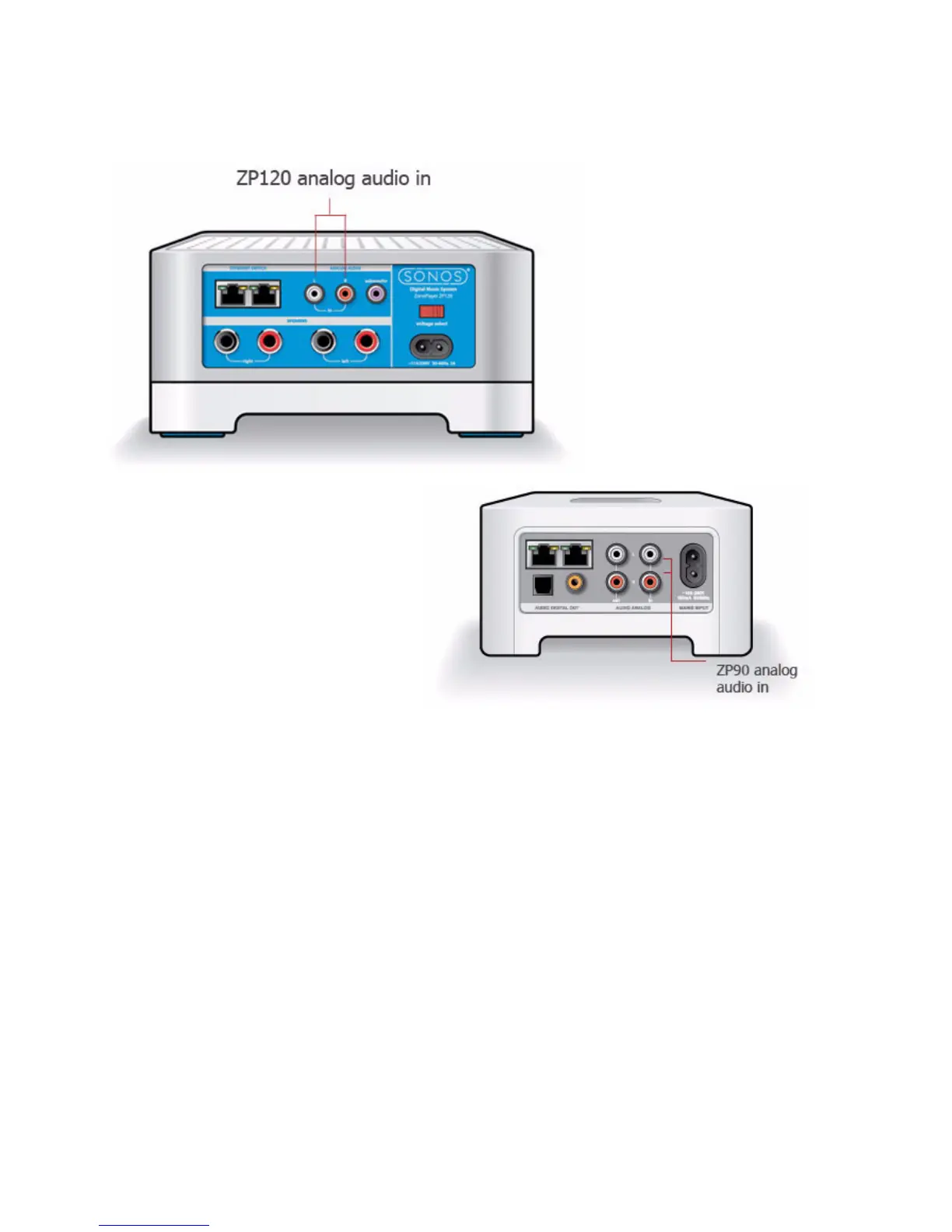
Sonos Multi-Room Music System User Guide
2-26
Setup illustrations
Using the Sonos Controller for Mac or PC
From the Music Library pane, click the Line-In tab. (Depending upon your screen
resolution, you may need to click >> to select the Line-In tab.)
• To play music from this source, select the audio component, and click Play
Now.
• To change the settings for this audio component, highlight the audio compo-
nent, and click the Set Up button at the bottom of the window. From the Line-
In tab, you can:
• Select an audio component type from the Source Icon field.
• Type a name in the Source Name field if you want to give the audio com-
ponent a unique name, such as Mary’s iPod.
• Select a line-in level for this device, and then click OK. A default (typical)



 To Next Page