36 Chapter 2: Getting Started
Getting Started
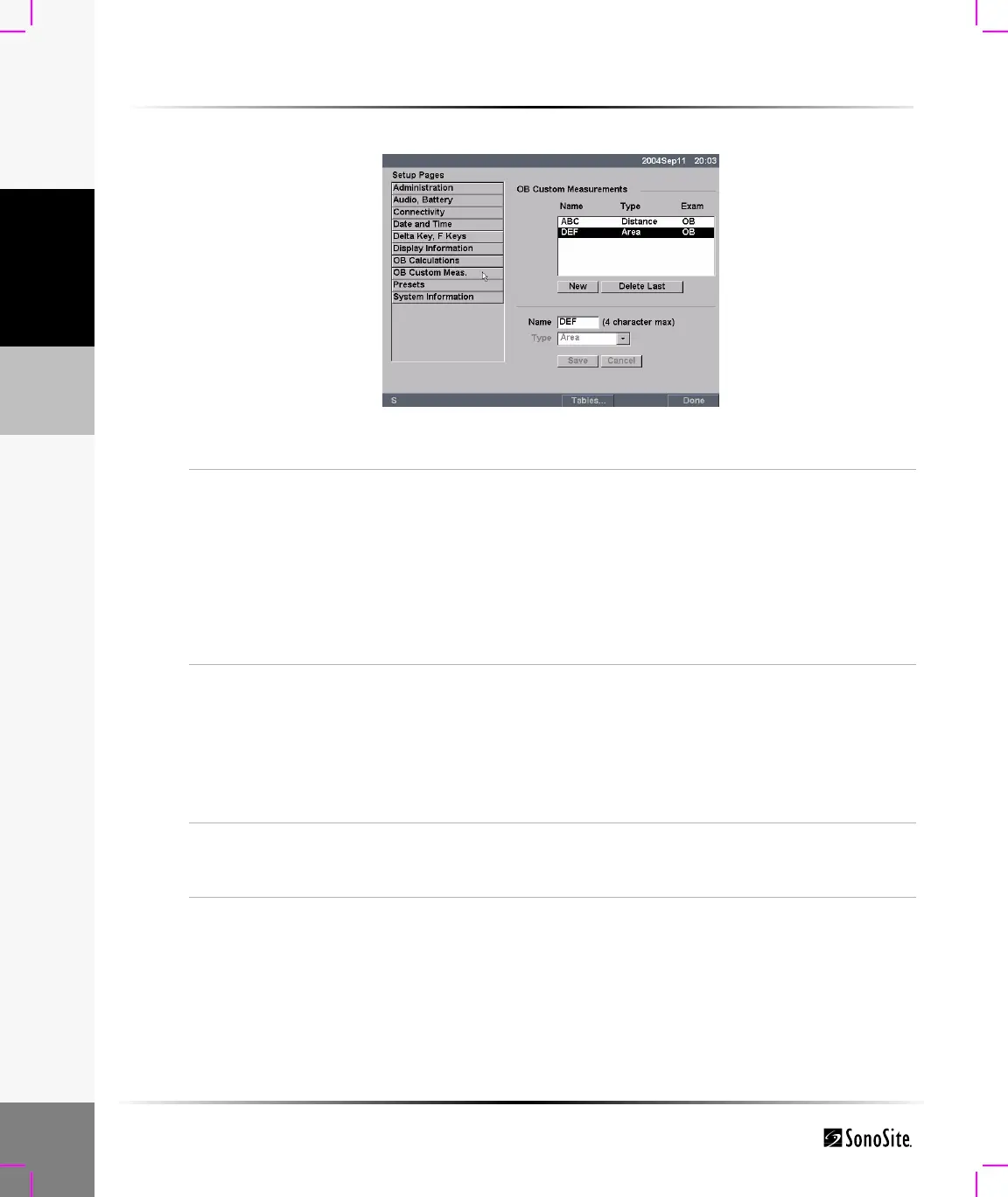
To set up OB custom measurements:
Figure 17 Setup Screen: OB Custom Measurements
OB Custom
Measurements
1 Press the Setup key.
2 Select OB Custom Meas.
3 Select New.
4 In the Name field, enter a unique name.
5 In the Type list, select the desired measurement type.
6 Select Save.
The new measurement is displayed in the calculations menu
and the OB report. Up to five custom measurements may be
saved.
Delete OB Custom
Measurement
1 Press the Setup key.
2 Select OB Custom Meas.
3 In the Custom Measurements list, highlight the last
measurement.
4 Select Delete Last.
Note: If associated tables and report data exist for the measurement, they
will be removed from the system.
Tables...
Select Tables... from the on-screen menu to create Gestational Age
tables for a custom OB measurement. See “To view and set up OB
custom tables:”.



 To Next Page