Chapter 2: Getting Started 37
Getting Started
To view and set up OB custom tables:
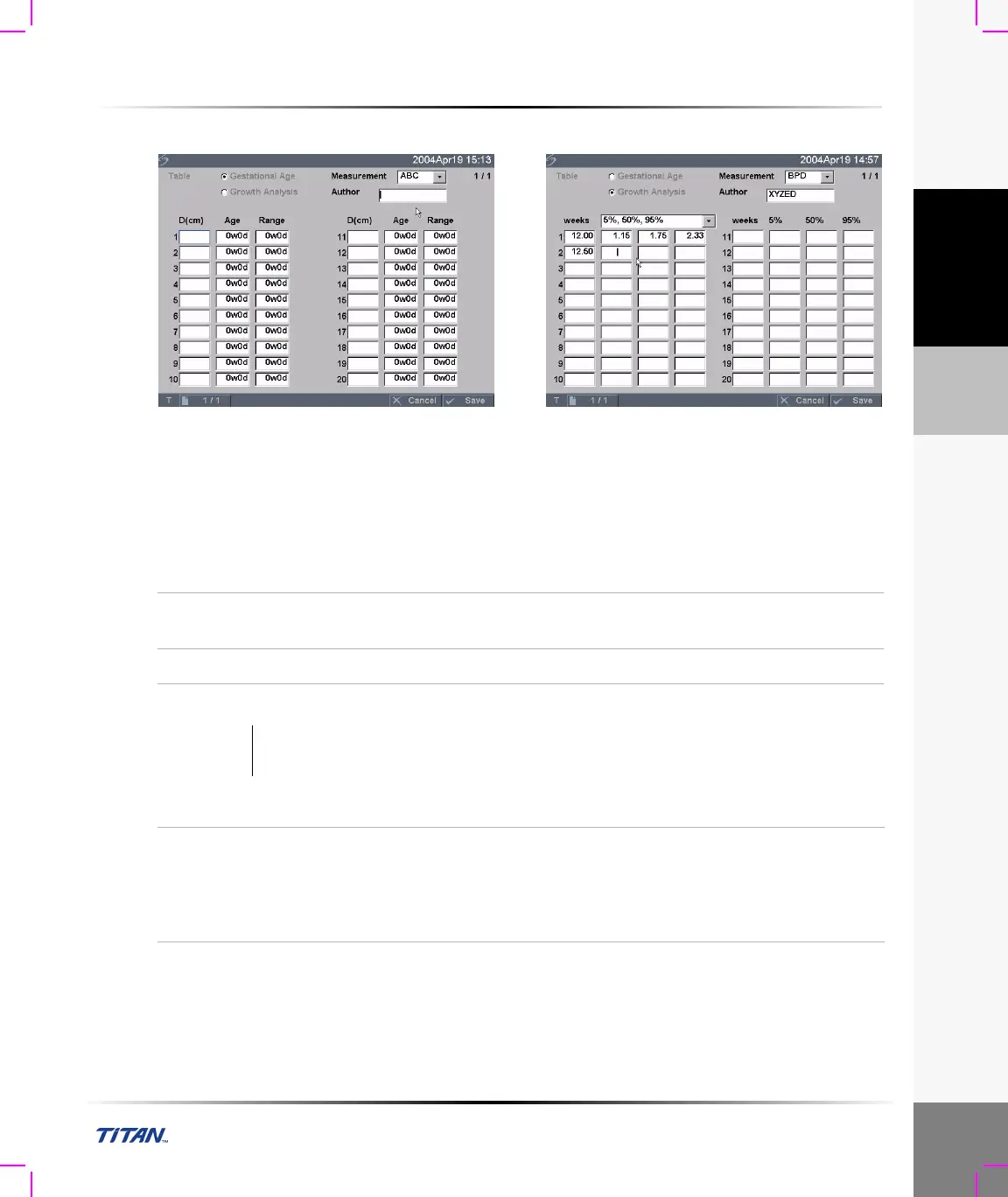
Figure 18 Setup Screen: OB Custom Table
Age Table Measurements: The system provides gestational age measurements by selected authors
for the age table measurements listed in Table 6.
Growth Analysis Table Measurements: The system provides growth graphs or curves for the
growth table measurements listed in Table 6.
Table 6: OB Custom Table Measurements
Age Table Measurements GS, CRL, BPD, OFD, HC, TTD, AC, FTA, FL,
5 additional custom measurement labels
Growth Analysis Table Measurements BPD, HC, AC, FL, EFW
Warning: Prior to use, verify custom table data entries are correct. The system does not
confirm the accuracy of the custom table data entered by the user.
View OB Tables
1 Press the Setup key.
2 Select OB Custom Meas. or OB Calculations.
3 Select Tables... from the on-screen menu.
4 Select the desired table (Age or Growth) and
measurement/author.



 To Next Page