6
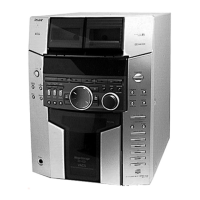
HCD-FL3
ALPHABETICAL ORDER
A – K
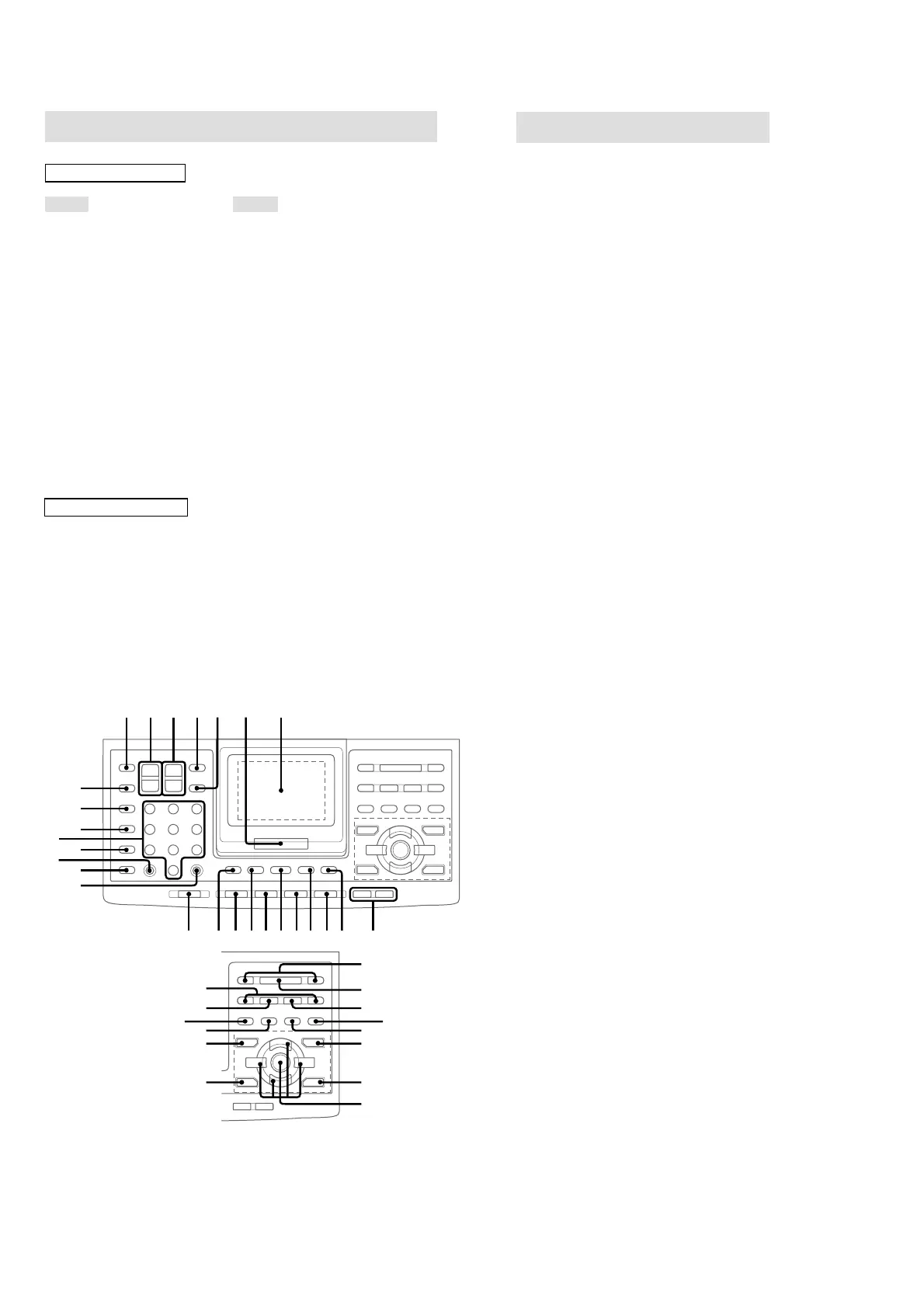
2.1CH/MULTI e;
AMP MENU 9
CD qh
CLEAR ql
CLOCK/TIMER SELECT qj
CLOCK/TIMER SET qg
D.SKIP 5
digipad 7
DISPLAY 4
DSP EDIT qa
EDIT/TUNER MEMORY w;
EFFECT ej
ENTER 6
FUNCTION 0
GAME MODE eg
GROOVE qd
KARAOKE PON ek
M – V
MOVIE MODE es
MUSIC MODE eh
Numeric buttons wd
P FILE ea
PLAY MODE/DIRECTION ws
PRESET +/– wj
REPEAT/FM MODE wf
SLEEP wg
TAPE A/B qs
TOOL MODE ed
TUNER/BAND qf
TUNING +/– r;
TV/VIDEO wh
TV ?/1 1
TV CH +/– 3
TV VOL +/– 2
VOLUME +/– 8
BUTTON DESCRIPTIONS
?/1 (power) qk
hH (play) wk
X (pause) el
x (stop) wl
. (go back) wj
> (go forward) wj
m (rewind) r;
M
(fast forward)
r;
V/v/B/b/ENTER ef
>10 wa
Bb
v
V
Bb
v
V
1 2 3 45 6 7
890qaqsqdqfqgqhqjqk
ql
wh
wk
wj
wl
e;
ea
es
ed
ef
eg
eh
ej
ek
el
r;
wg
wf
ws
w;
wa
wd
Remote Control
Setting the clock
1 Turn on the system.
2 Press CLOCK/TIMER SET on the
remote.
3 Press . or > repeatedly to set the
hour.
4 Press ENTER on the remote.
5 Press . or > repeatedly to set the
minutes.
6 Press ENTER on the remote.
To adjust the clock
1 Press CLOCK/TIMER SET on the remote.
2 Press . or > repeatedly to select
CLOCK SET?, then press ENTER on the
remote.
3 Do the same procedures as step 3 to 6
above.
Note
The clock settings are canceled when you disconnect
the power cord or if a power failure occurs.



 To Next Page