108
GB
Setting the speakers in
zone 2
When the speakers in zone 2 are connected to
the SURROUND BACK SPEAKERS
terminals of the receiver (page 106), make the
setting so that the sound selected in zone 2 is
output from the speakers connected to the
SURROUND BACK SPEAKERS terminals.
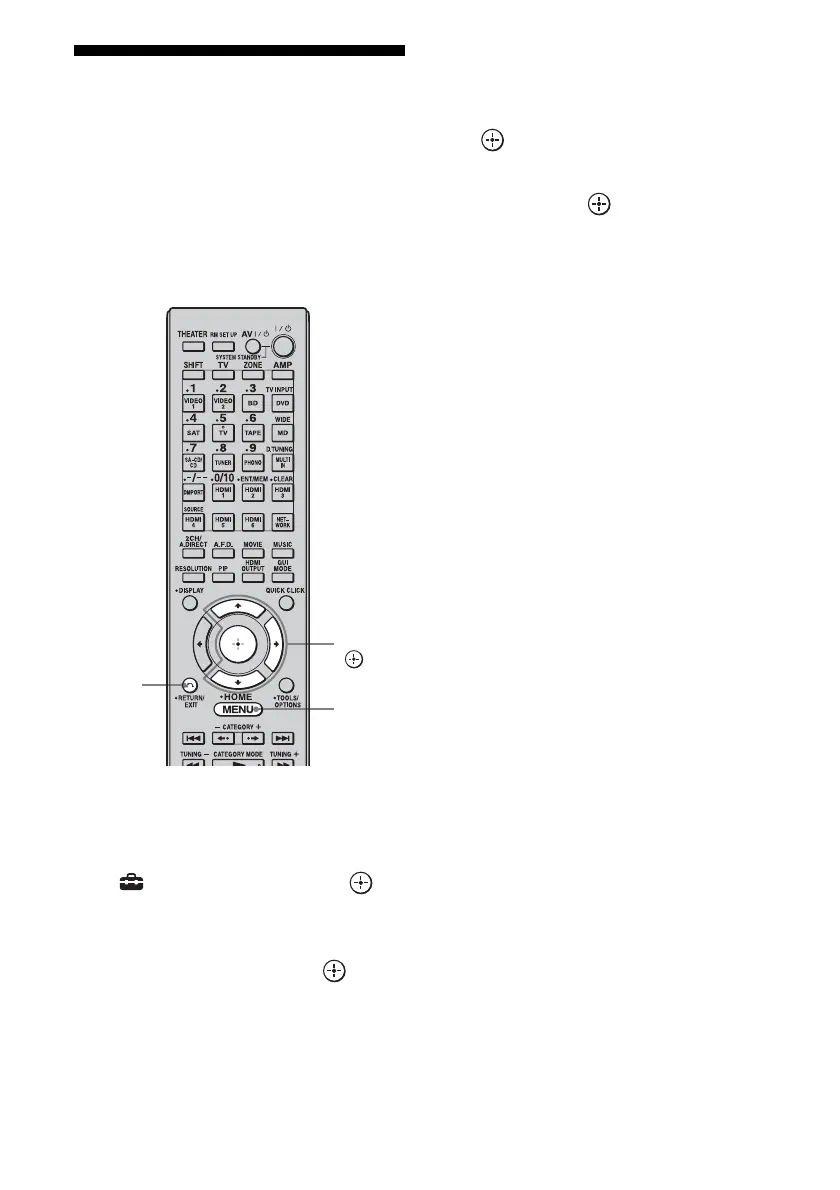
1 Press MENU.
The menu is displayed on the TV screen.
2 Press V/v repeatedly to select
“ Settings,” then press or
b.
3 Press V/v repeatedly to select
“Speaker,” then press or b .
4 Press V/v to select “Speaker
Pattern,” to select the pattern
that has no surround back
speakers.
5 Press RETURN/EXIT O.
6 Press V/v repeatedly to select
“Sur Back Assign,” then press
.
7 Press V/v to select “ZONE2,”
then press .
To exit the menu
Press MENU.
RETURN/
EXIT O
V/v/b,
MENU















 To Next Page