82
GB
Playing back with 2-channel sound
You can switch the output sound to 2-channel sound regardless of the recording formats of the
software you are using, the playback component connected, or the sound field settings of the
receiver.
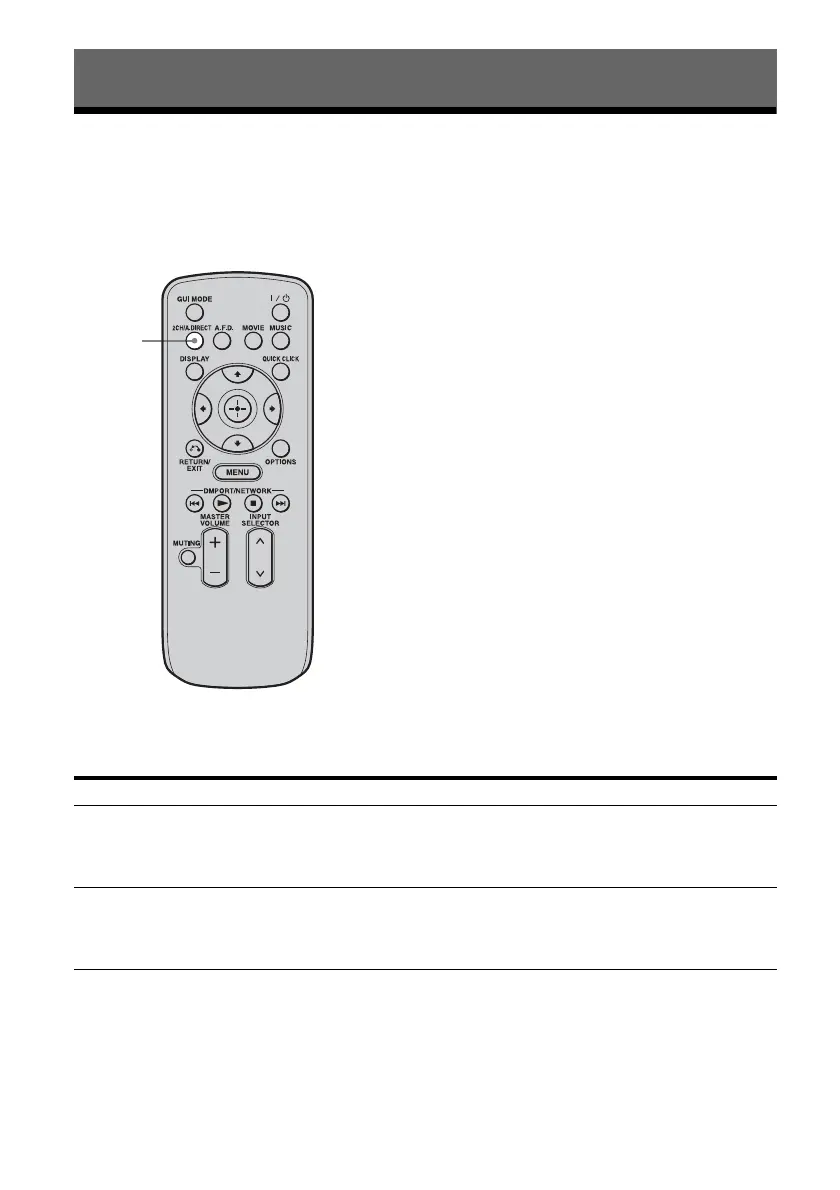
Press 2CH/A.DIRECT repeatedly to select the 2-channel sound mode of the
sound output you want.
Enjoying Surround Sound
2CH mode Effect
2ch Stereo The receiver outputs the sound from the front left/right speakers only. There is
no sound from the subwoofer.
Standard 2 channel stereo sources completely bypass the sound field processing
and multi-channel surround formats are downmixed to 2 channel.
2ch Analog Direct You can switch the audio of the selected input to 2 channel analog input. This
function enables you to enjoy high quality analog sources.
When using this function, only the volume and front speaker balance can be
adjusted.
2CH/
A.DIRECT















 To Next Page