83
GB
Enjoying Surround Sound
Playing back with multi-channel surround
The Auto Format Direct (A.F.D.) mode allows you to listen to higher fidelity sound and select the
decoding mode for listening to a 2 channel stereo sound as multi-channel sound.
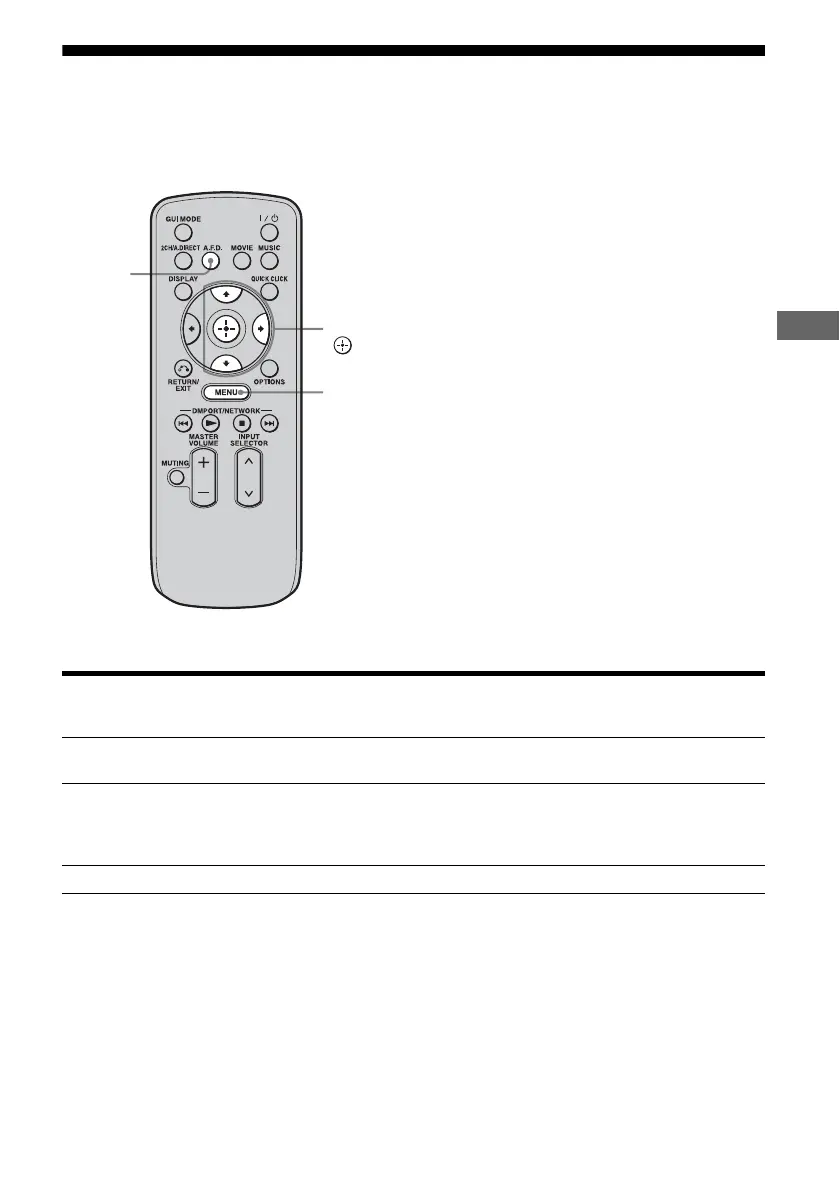
Press A.F.D. repeatedly to select the A.F.D. mode you want.
A.F.D. mode Multi-channel
audio after
decoding
Effect
A.F.D. Auto (Detecting
automatically)
Presets the sound as it was recorded/encoded without
adding any surround effects.
Enhanced Surround – You can select the surround sound effect you want. For
details on available surround sound effects and how to
set one, see “Setting a multi-channel surround sound
effect” (page 84).
Multi Stereo (Multi Stereo) Outputs 2 channel left/right signals from all speakers.
A.F.D.
V/v/b,
MENU















 To Next Page