168
GB
To use a command that has
been learned
1
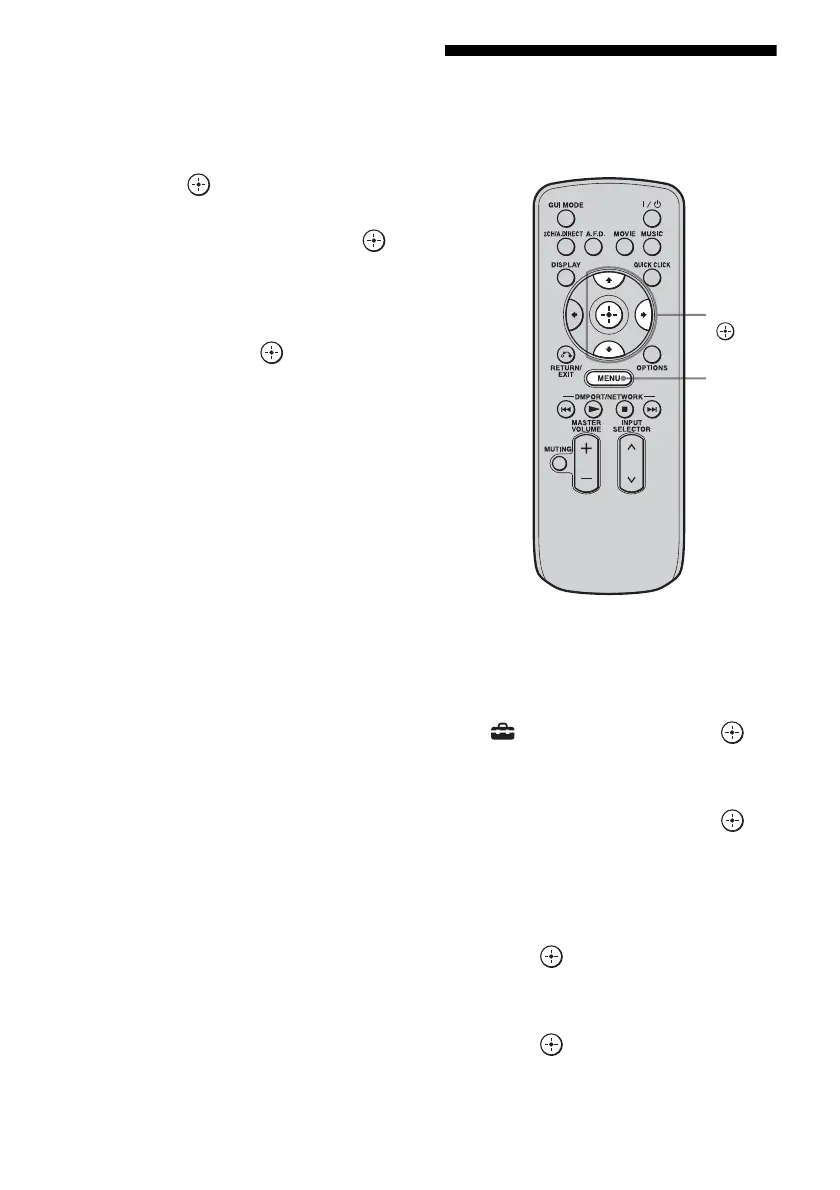
Press MENU.
The menu is displayed on the TV screen.
2 Press V/v repeatedly to select “Input,”
then press or b.
3 Press V/v repeatedly to select the
component you want, then press .
4 Press QUICK CLICK.
5 Press V/v/B/b to select the button on
the on-screen remote used to learn that
function, then press .
Resetting the remote
code for Quick Click
1
Press MENU.
The menu is displayed on the TV screen.
2 Press V/v repeatedly to select
“ Settings,” then press or
b.
3 Press V/v repeatedly to select
“Quick Click,” then press or
b.
4 Press V/v repeatedly to select
“Source Component,” or
“Common Component,” then
press .
5 Press V/v repeatedly to select
the component you want, then
press .
V/v/b,
MENU















 To Next Page