154
GB
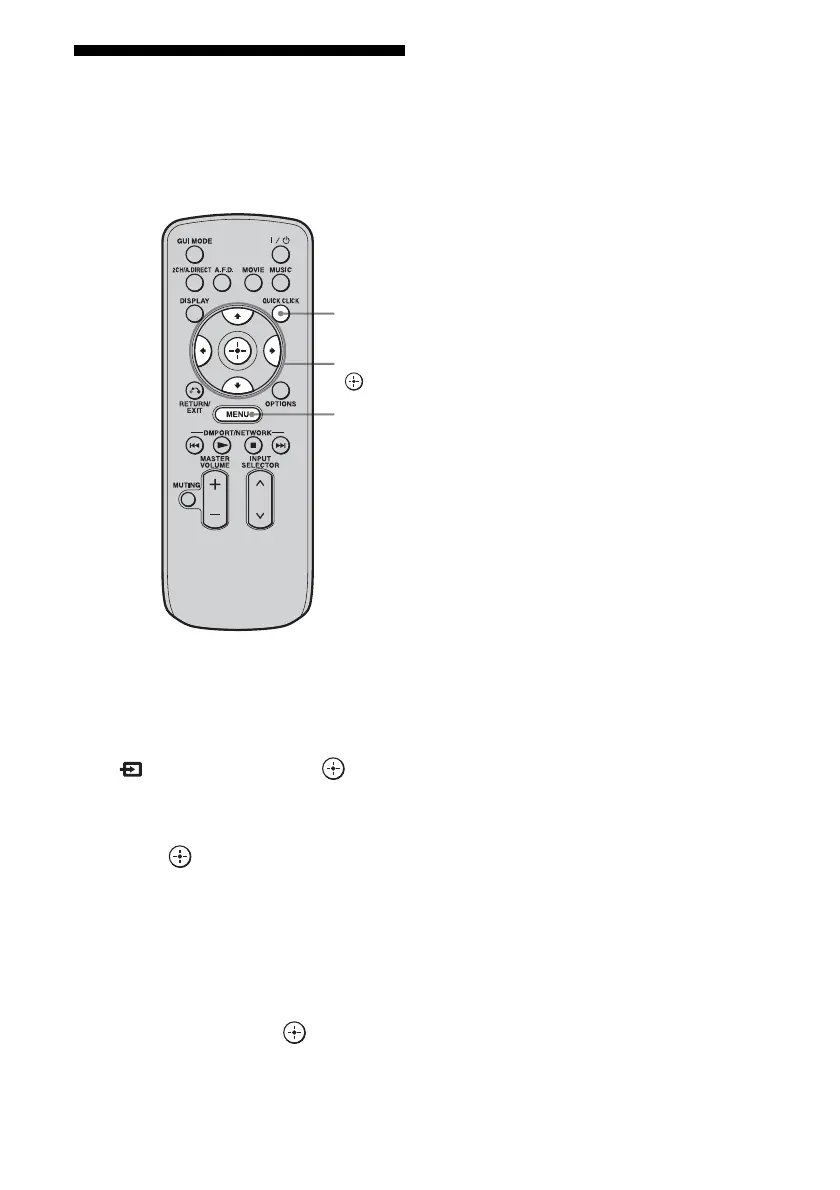
Using Quick Click
You can control components connected to the
receiver, a TV, projector, or lighting using the
on-screen remote on the TV screen.
1 Press MENU.
The menu is displayed on the TV screen.
2 Press V/v repeatedly to select
“ Input,” then press or b.
3 Press V/v repeatedly to select
the component you want, then
press .
4 Press QUICK CLICK.
5 Press V/v/B/b repeatedly to
select the appropriated buttons
on the on-screen remote to use
the function listed in the table
below, then press .
Note
You may not be able to operate some functions for
the components you are using.
QUICK
CLICK
V/v/B/b,
MENU















 To Next Page